
ALREADY BOOKED? / ASSET EXAMPLES
Good assets.
Great results.
Your people, your brand and a little camera time help us build a campaign that feels like your practice. Here’s what that looks like, and how to get your files to us.
Get ready to film
01 / WHAT WE MAKE
A campaign with
your name on it.
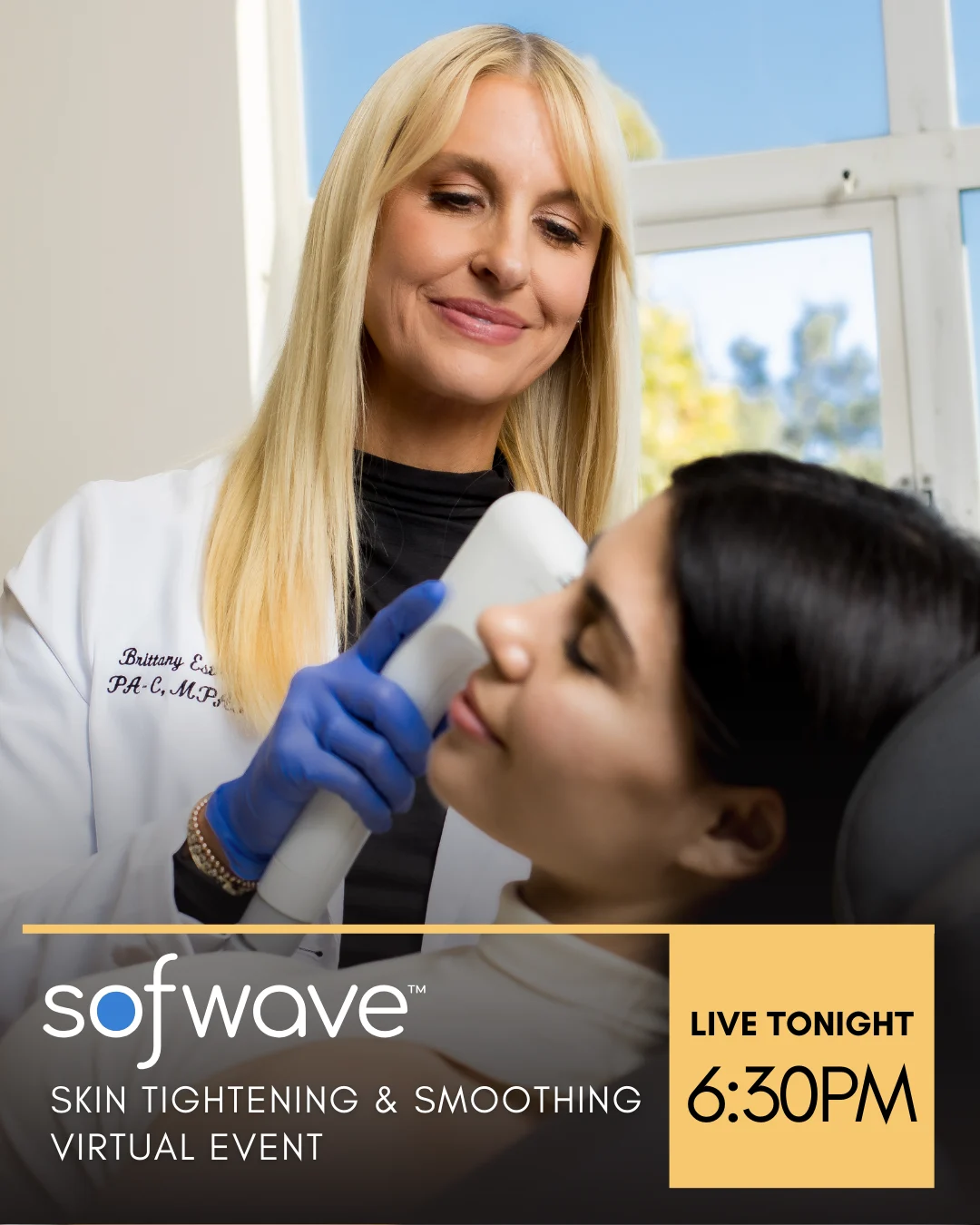
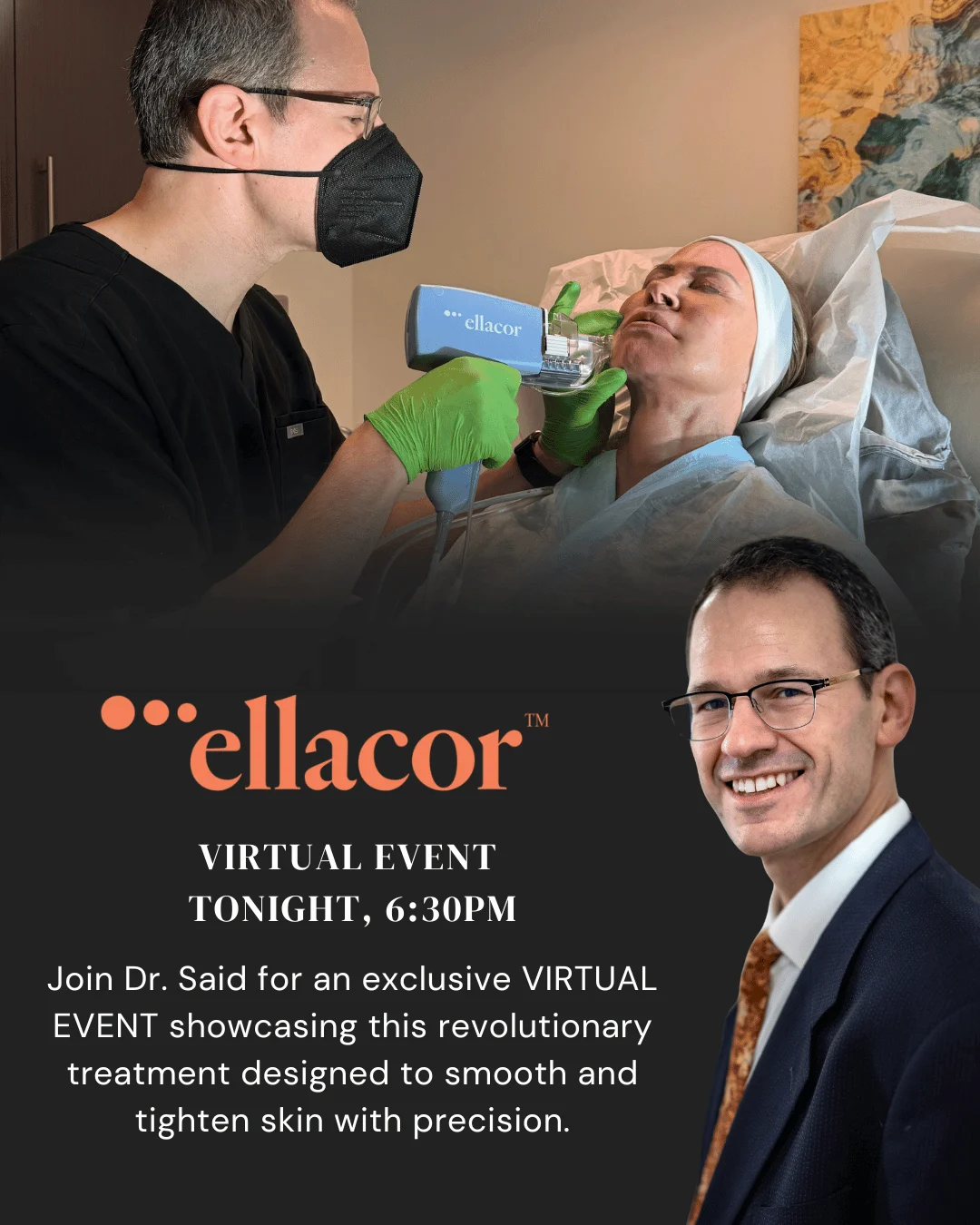
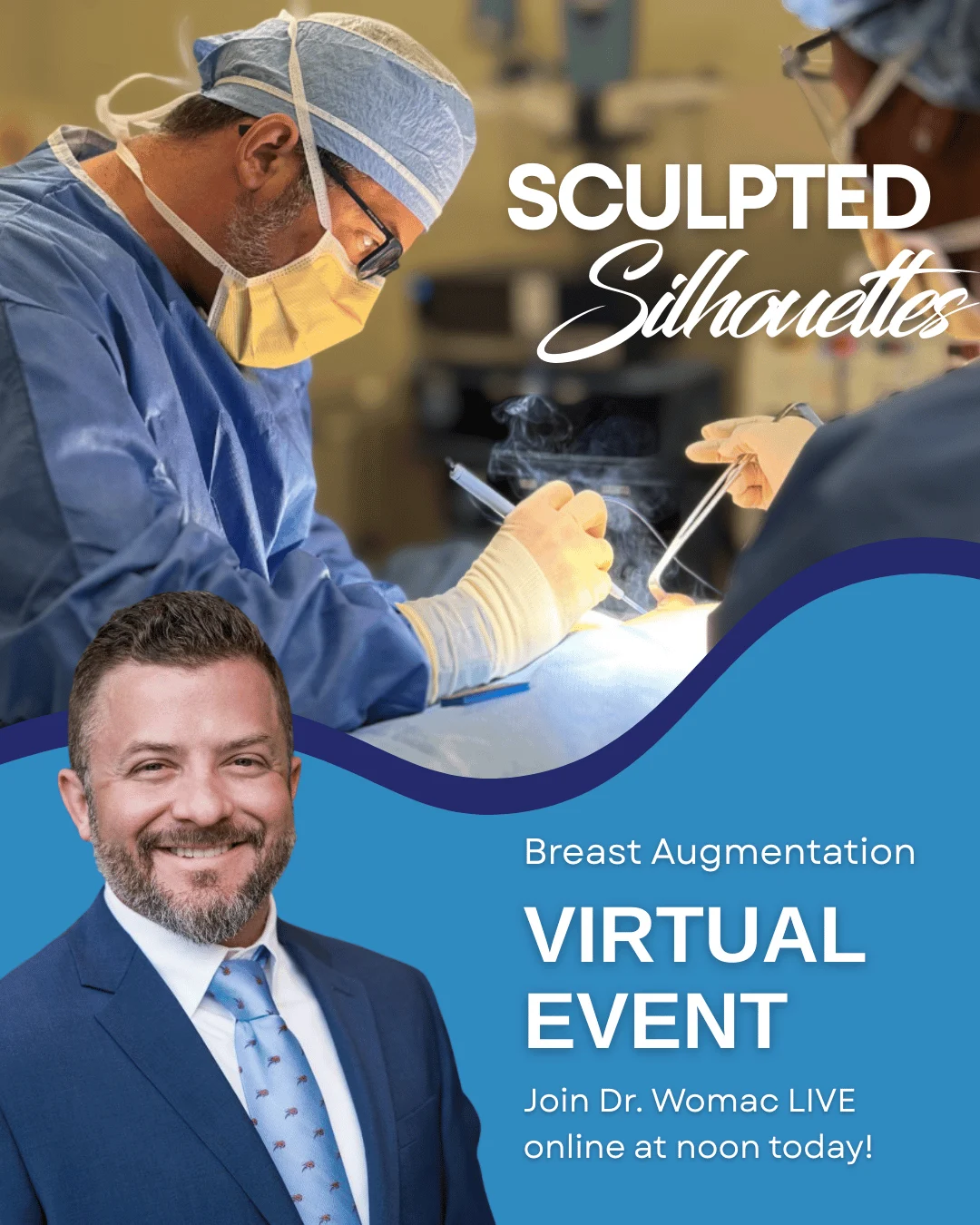
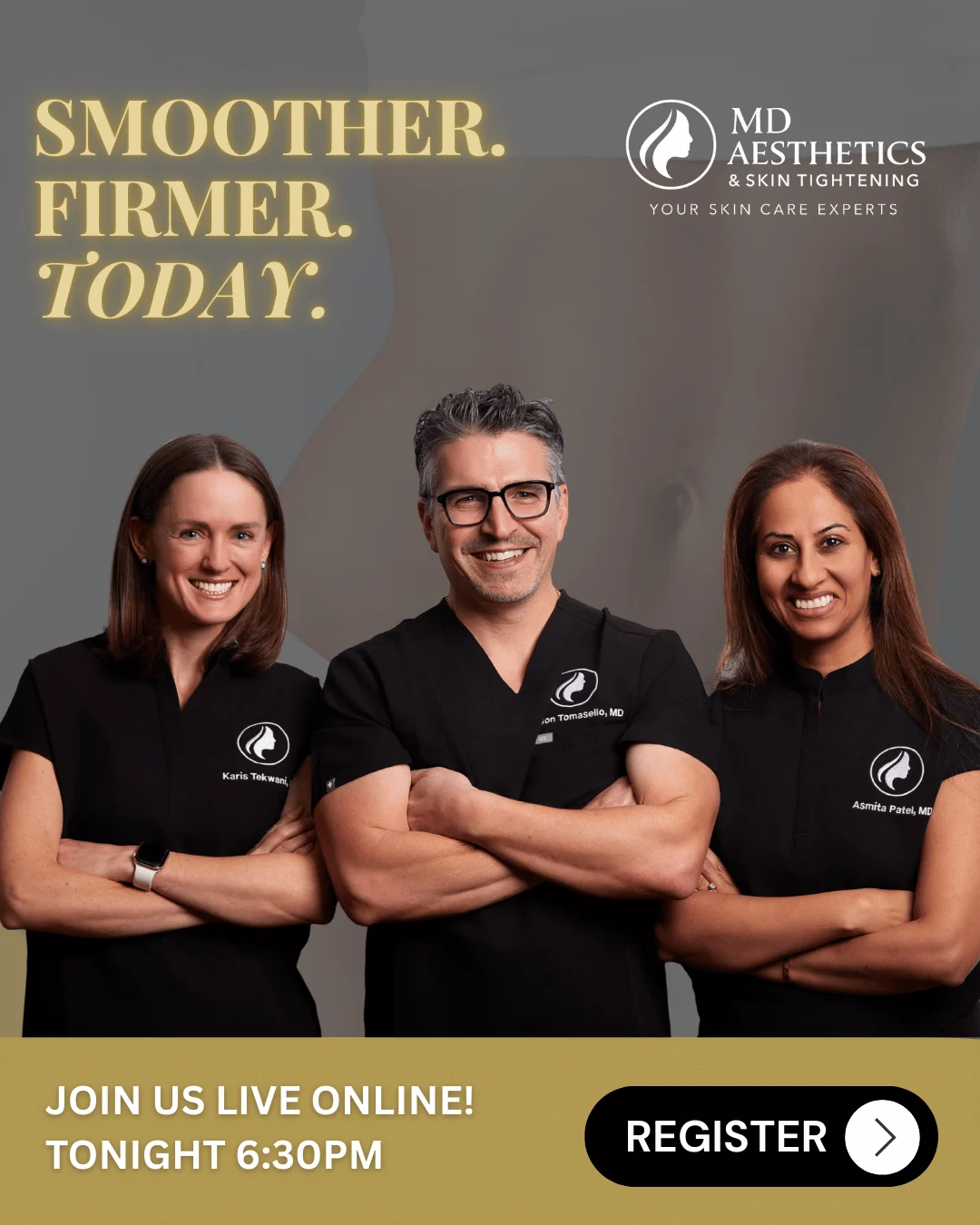
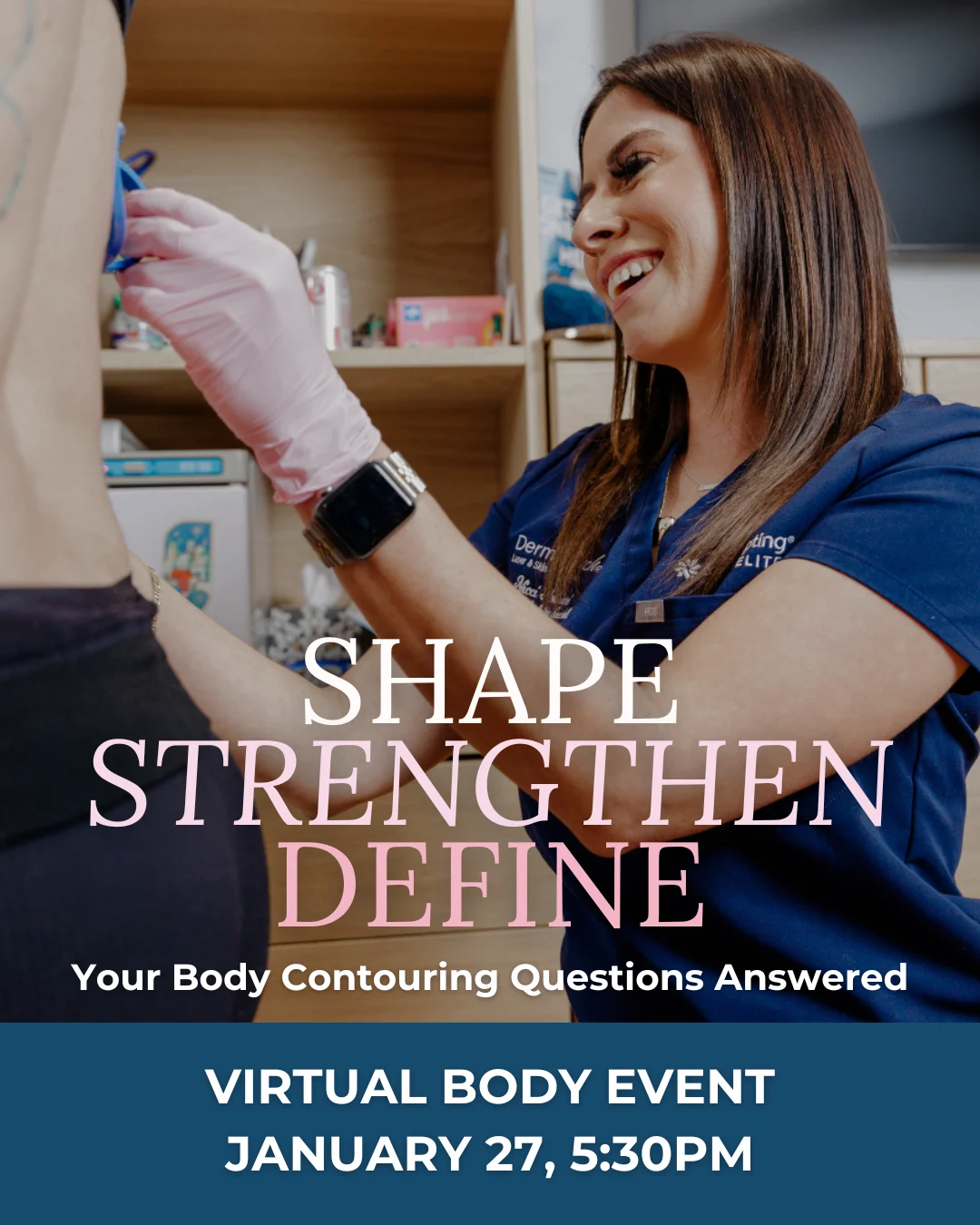
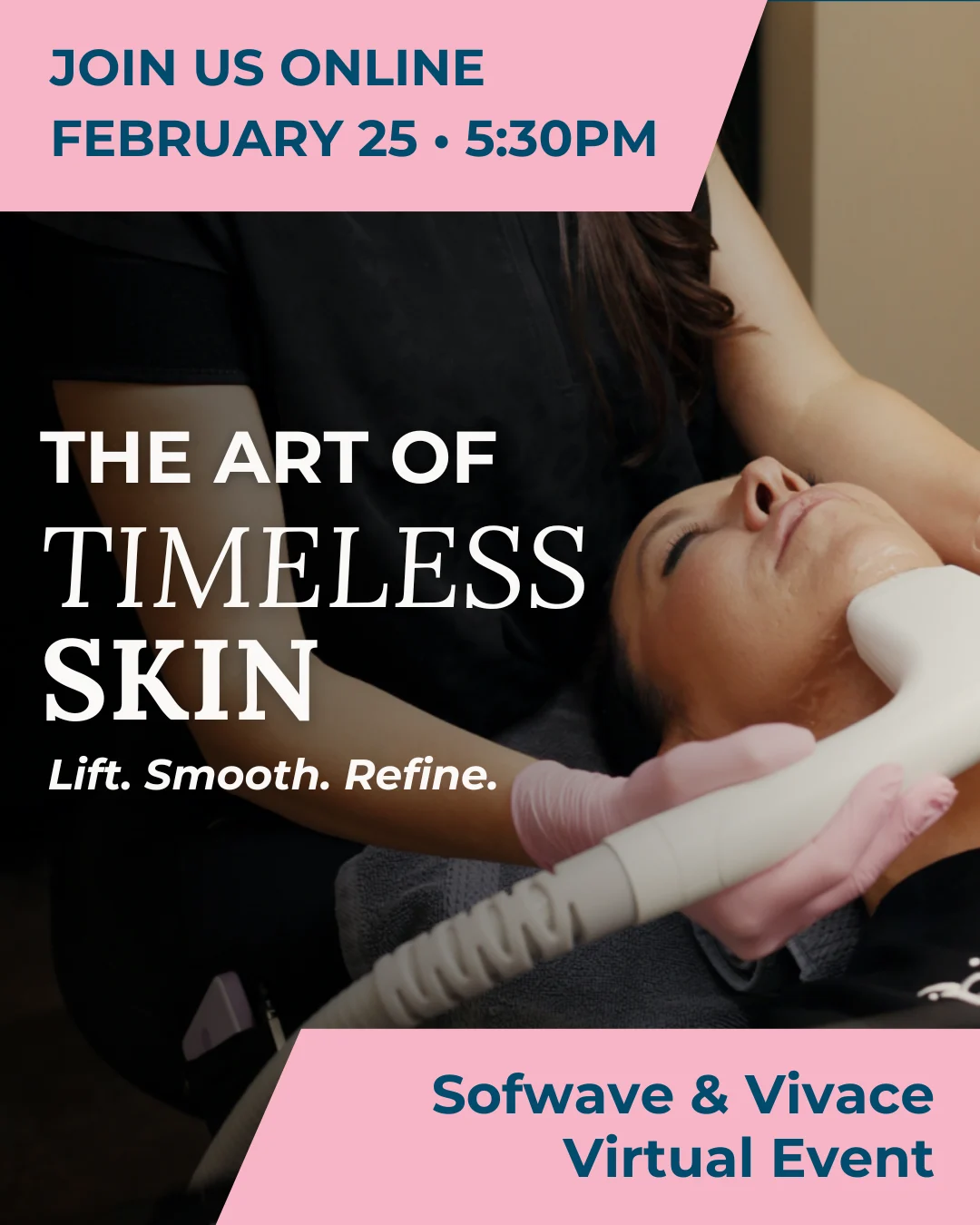
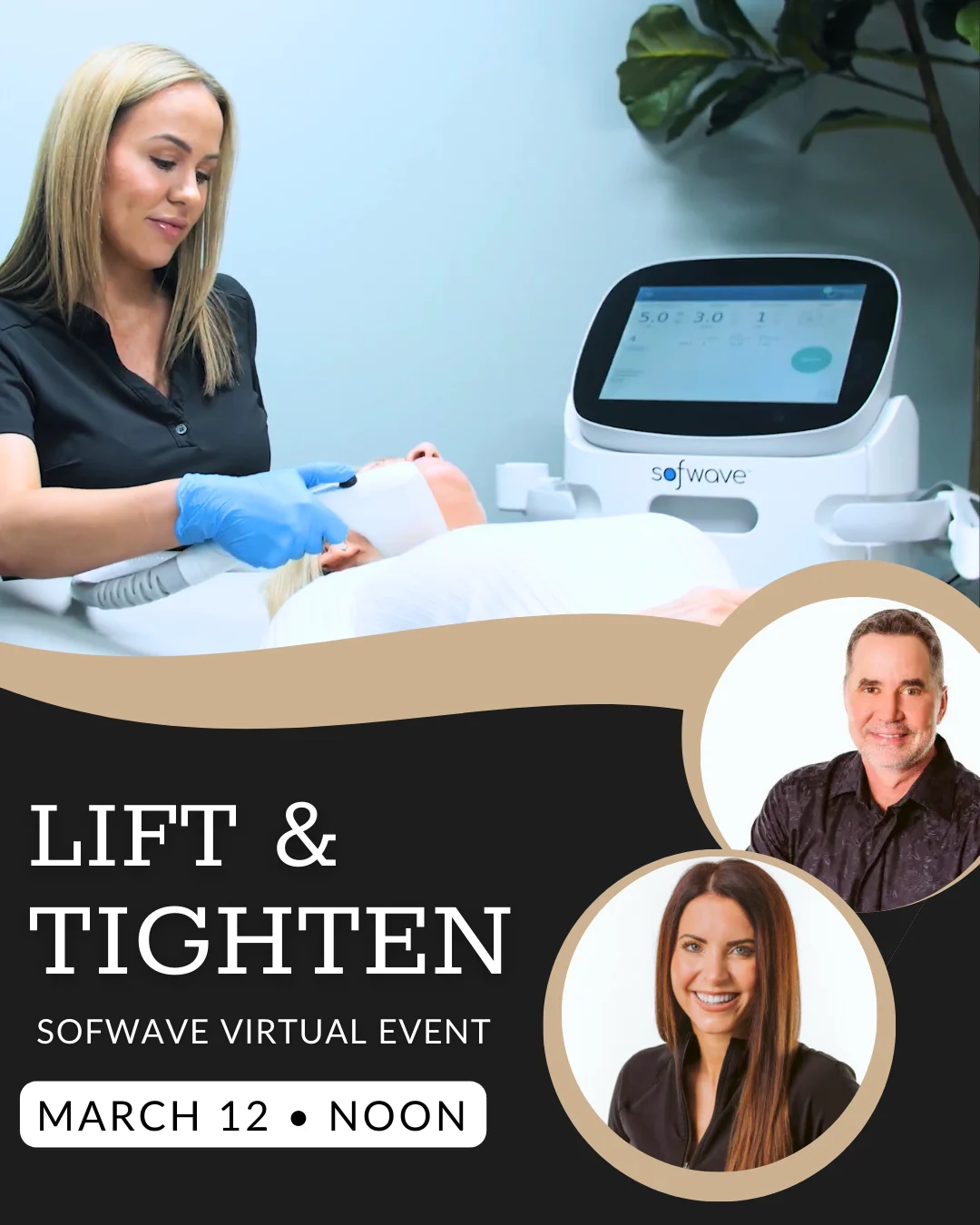
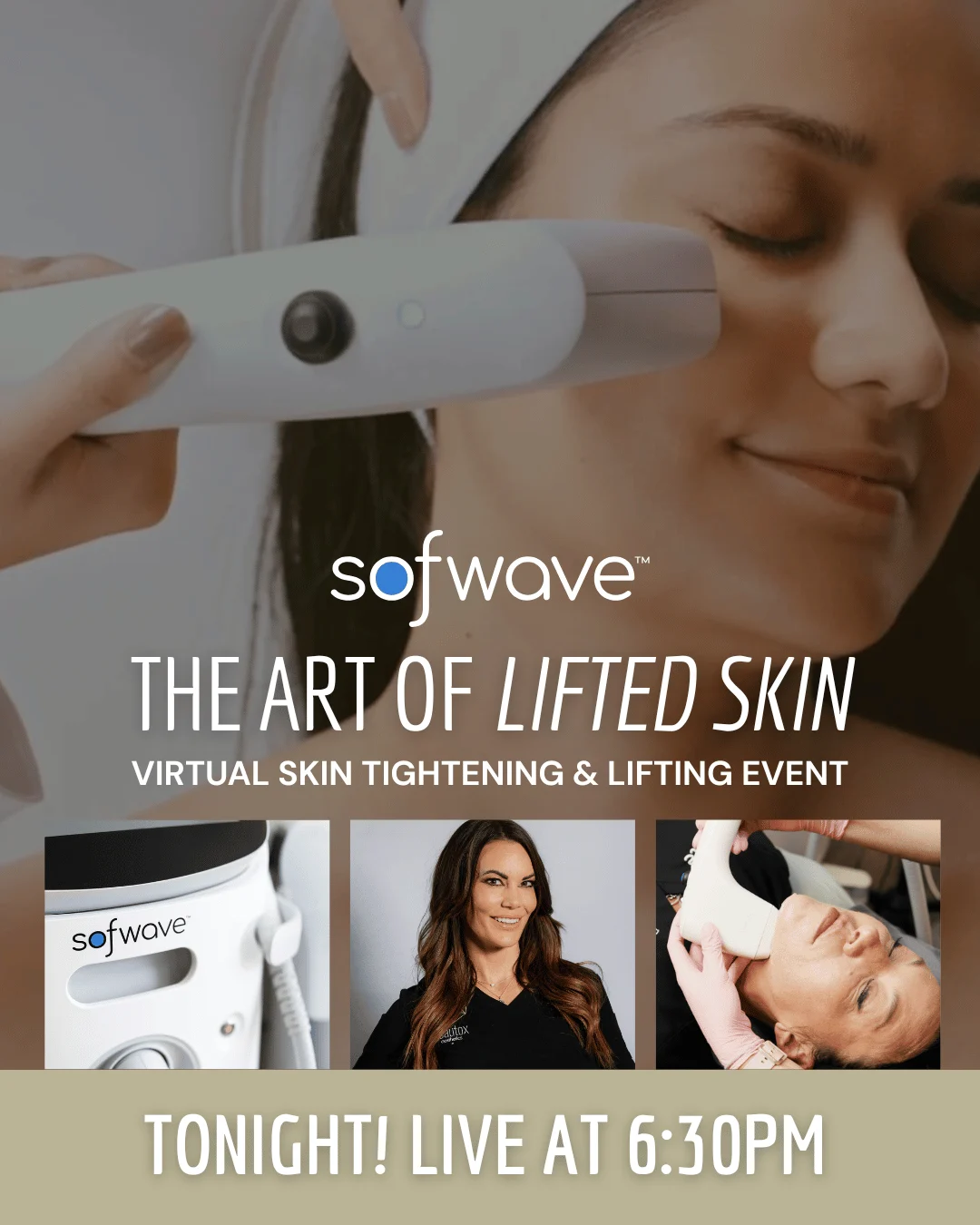
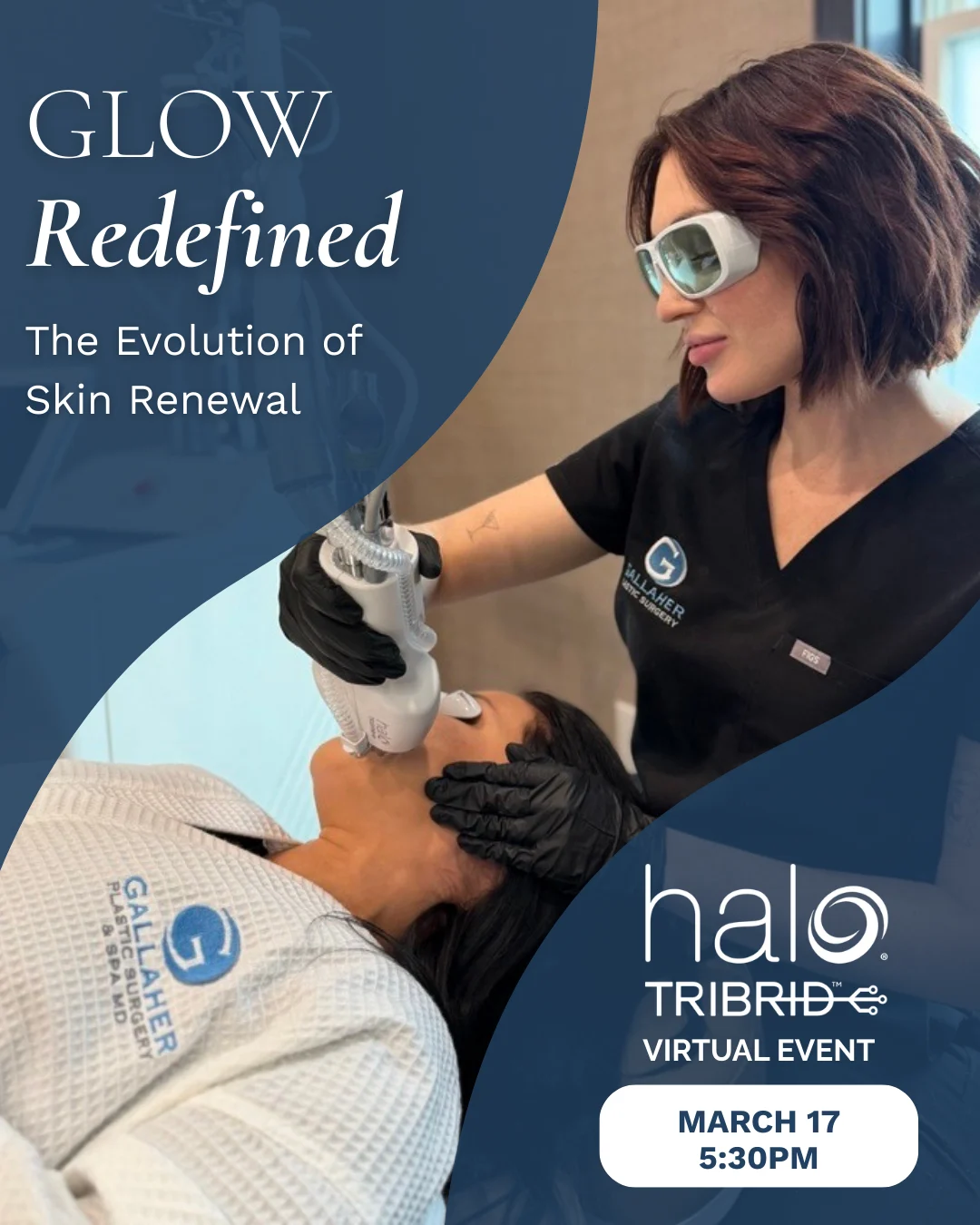
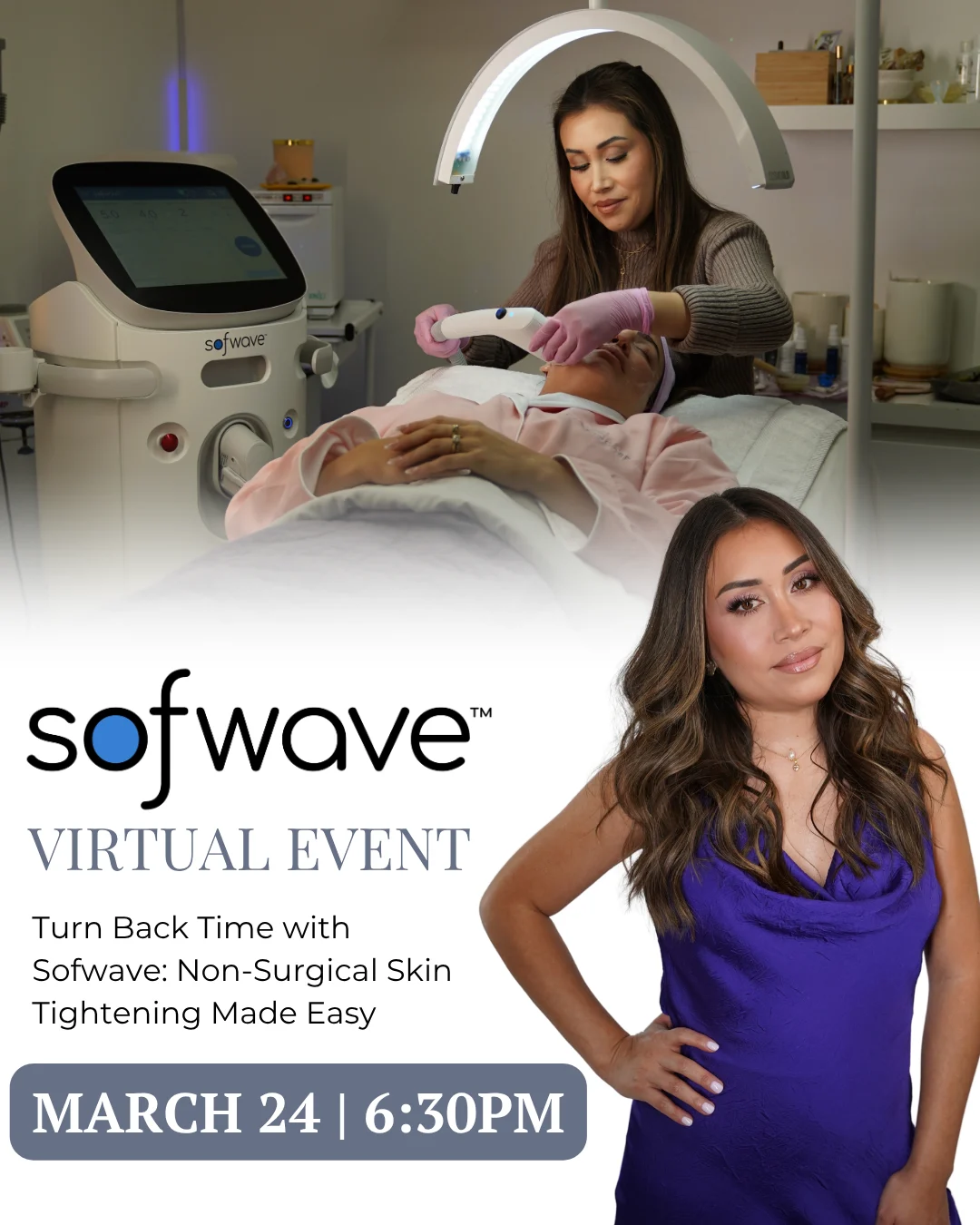
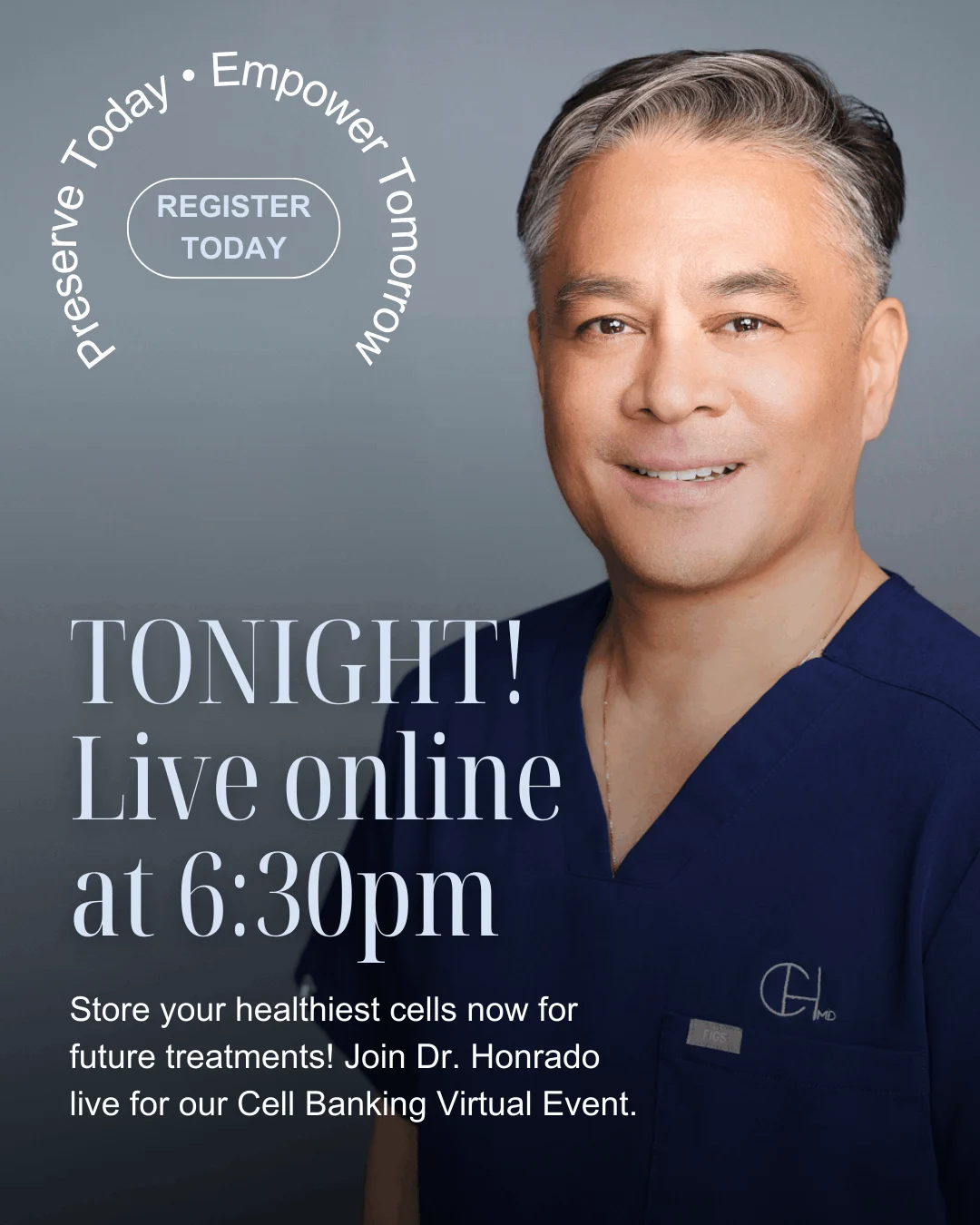
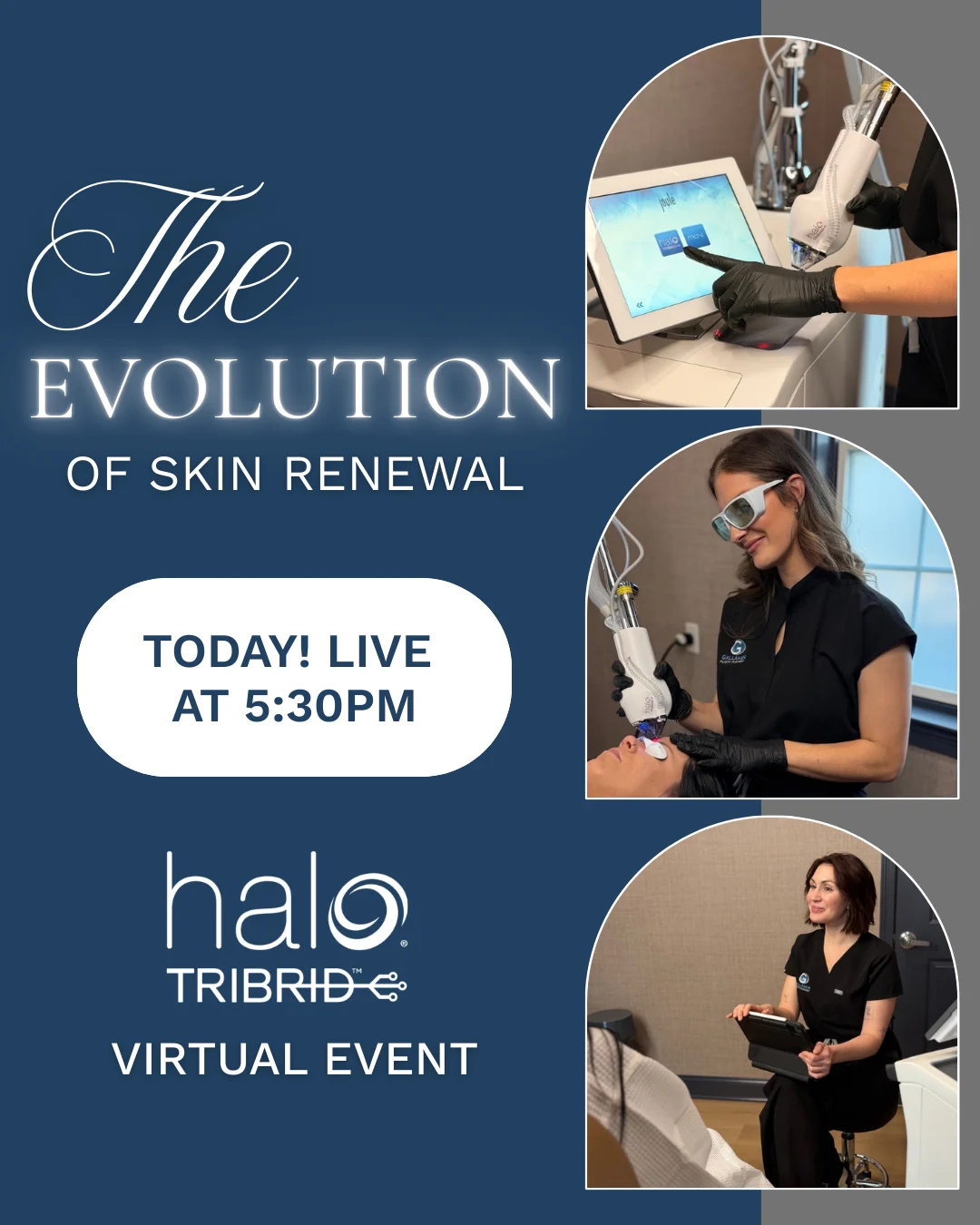
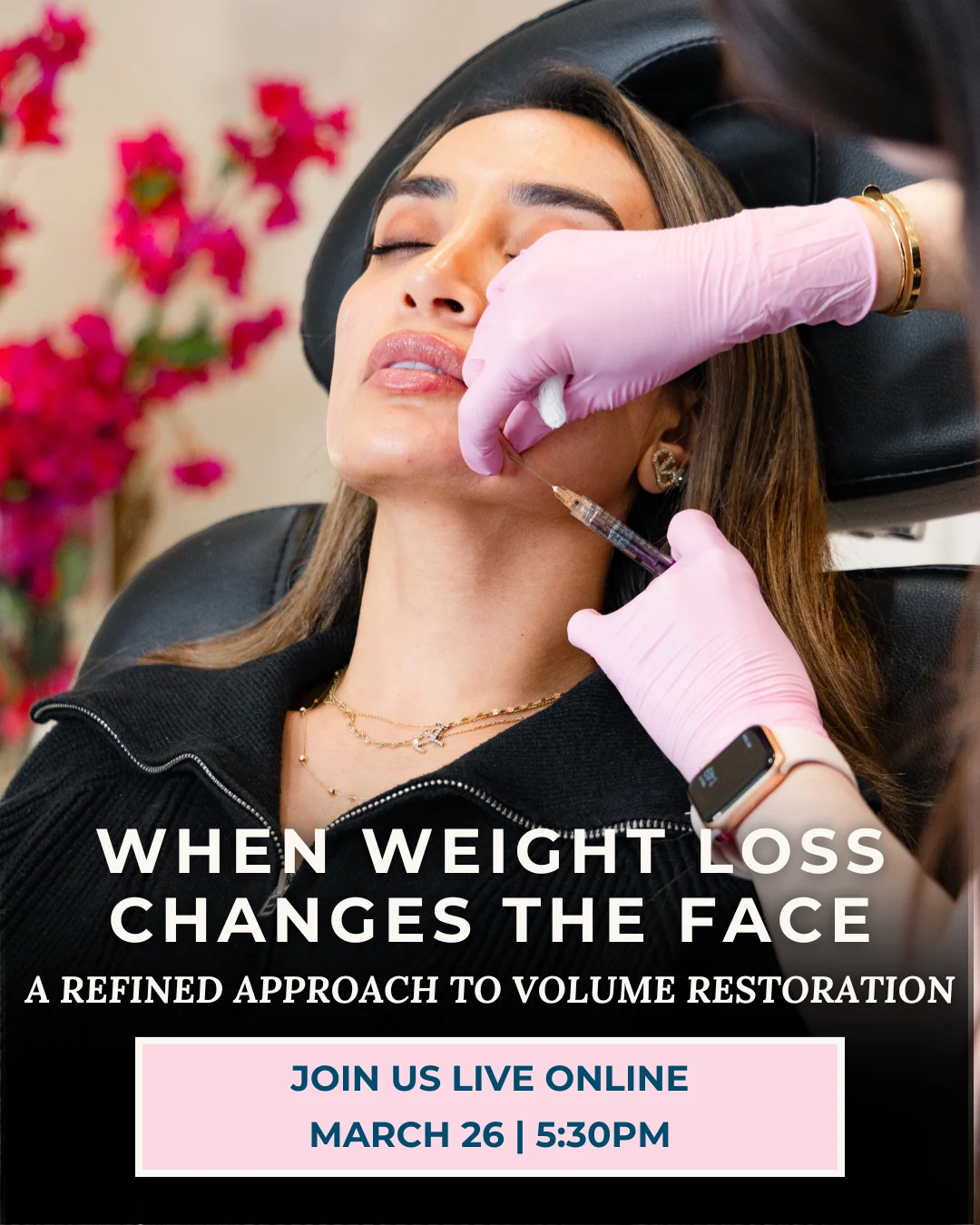
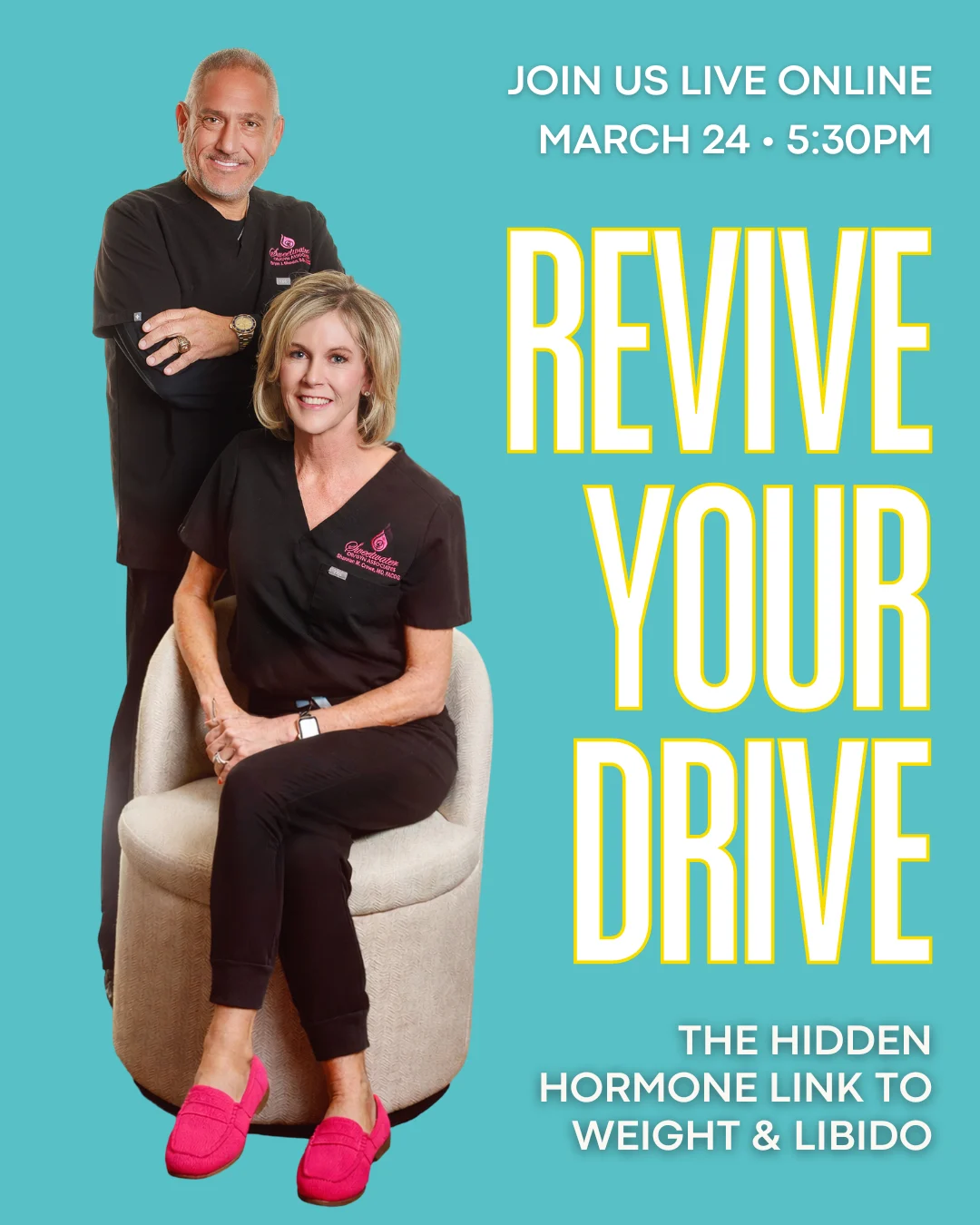
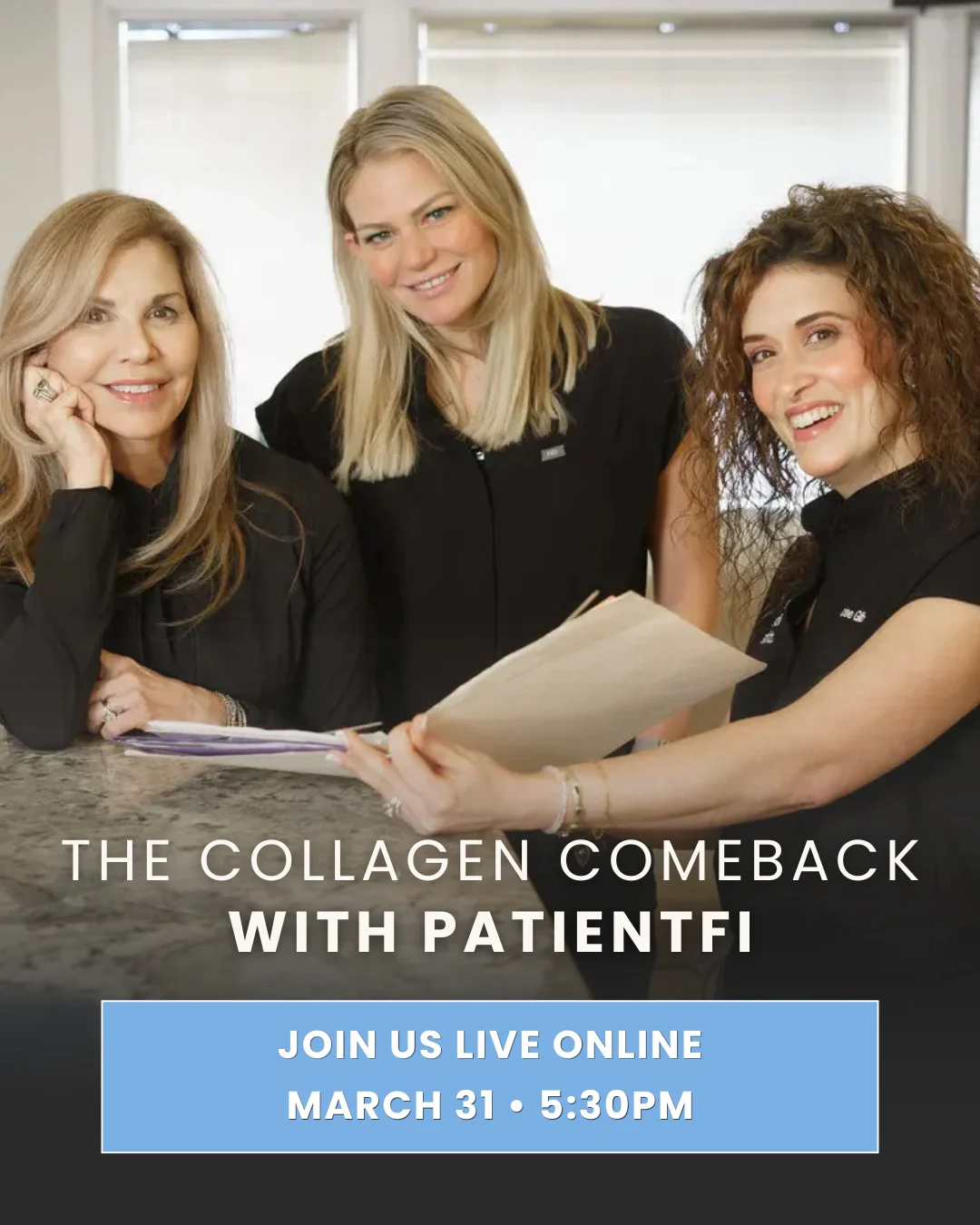
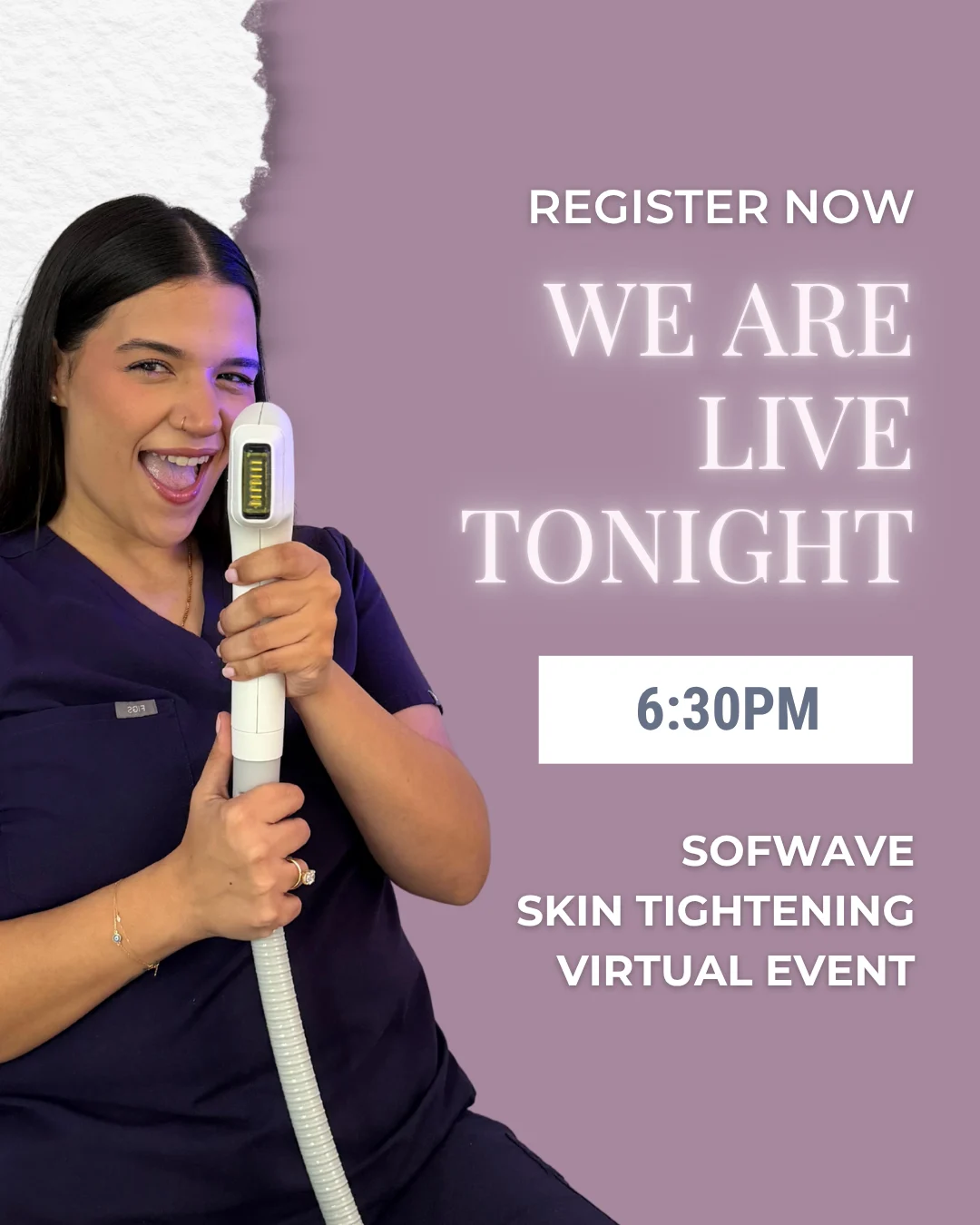
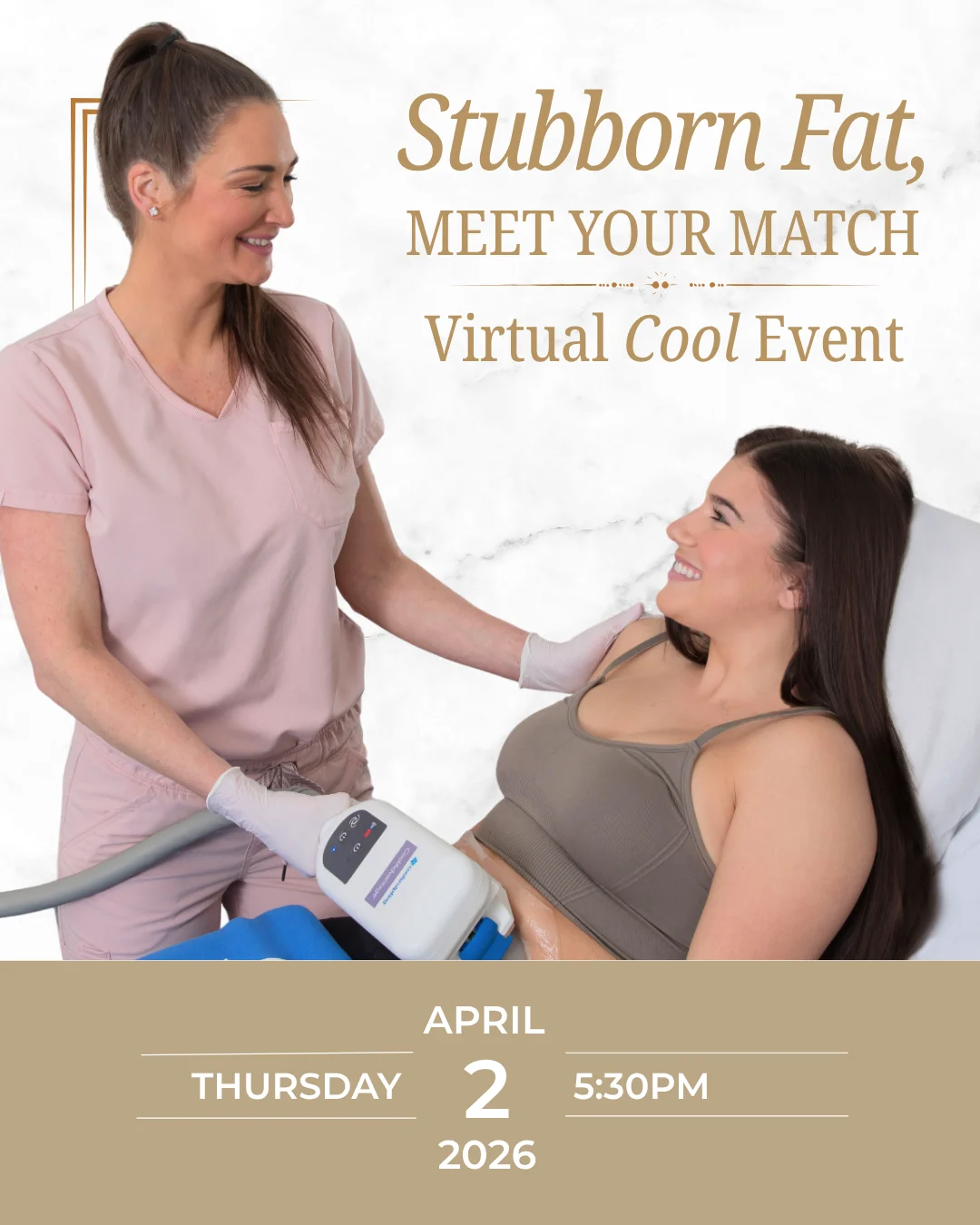
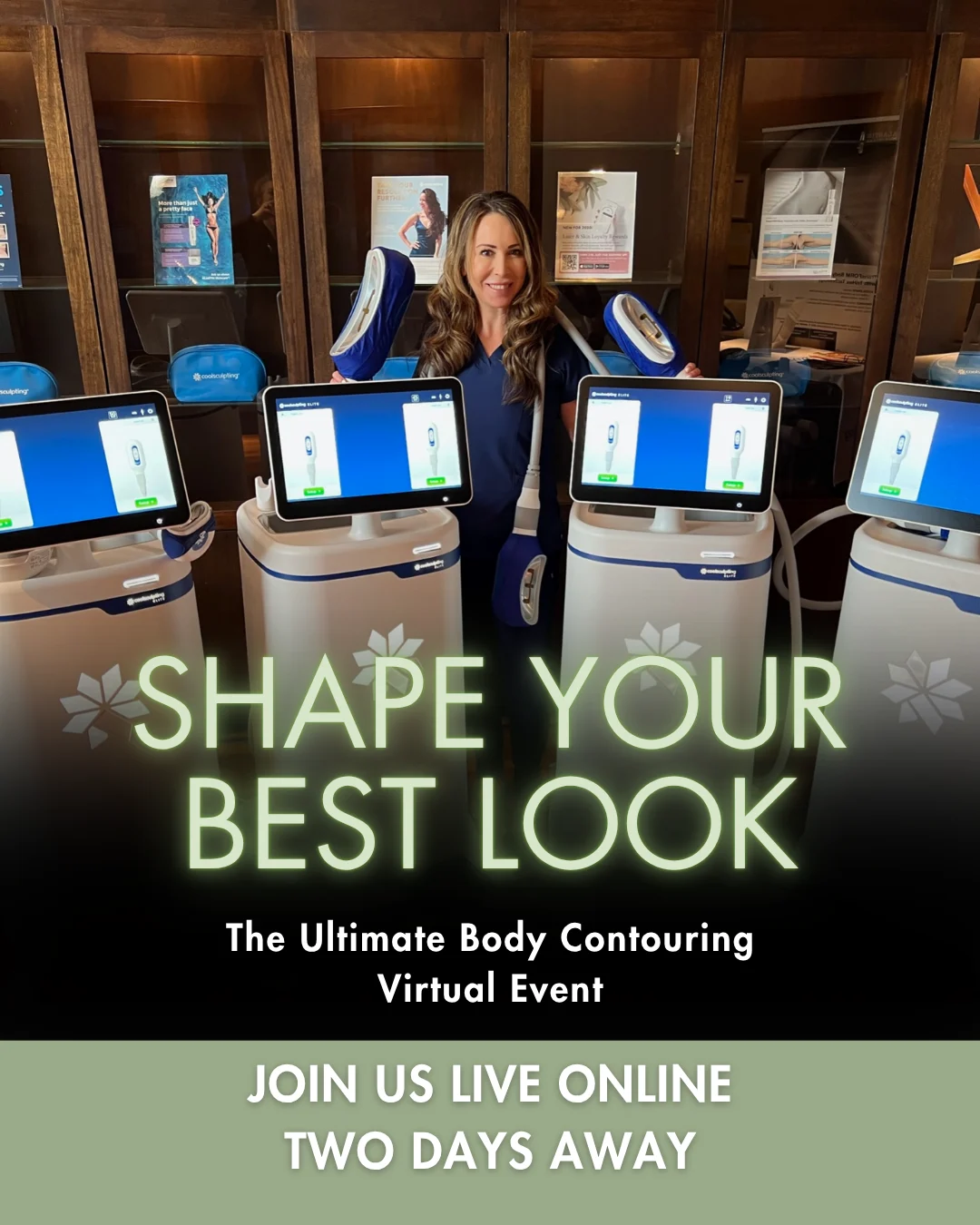
These are finished promotional assets from past practice campaigns. Different brands, different treatments, all built to make the invitation feel personal.
You supply the original photos, approved logo and event details. We handle the campaign design. Select an image to take a closer look.
 View example
 View example
 View example
 View example
 View example
 View example
See all 25 campaign examples
 View example
 View example
 View example
 View example
 View example
 View example
 View example
 View example
 View example
 View example
 View example
 View example
 View example
 View example
 View example
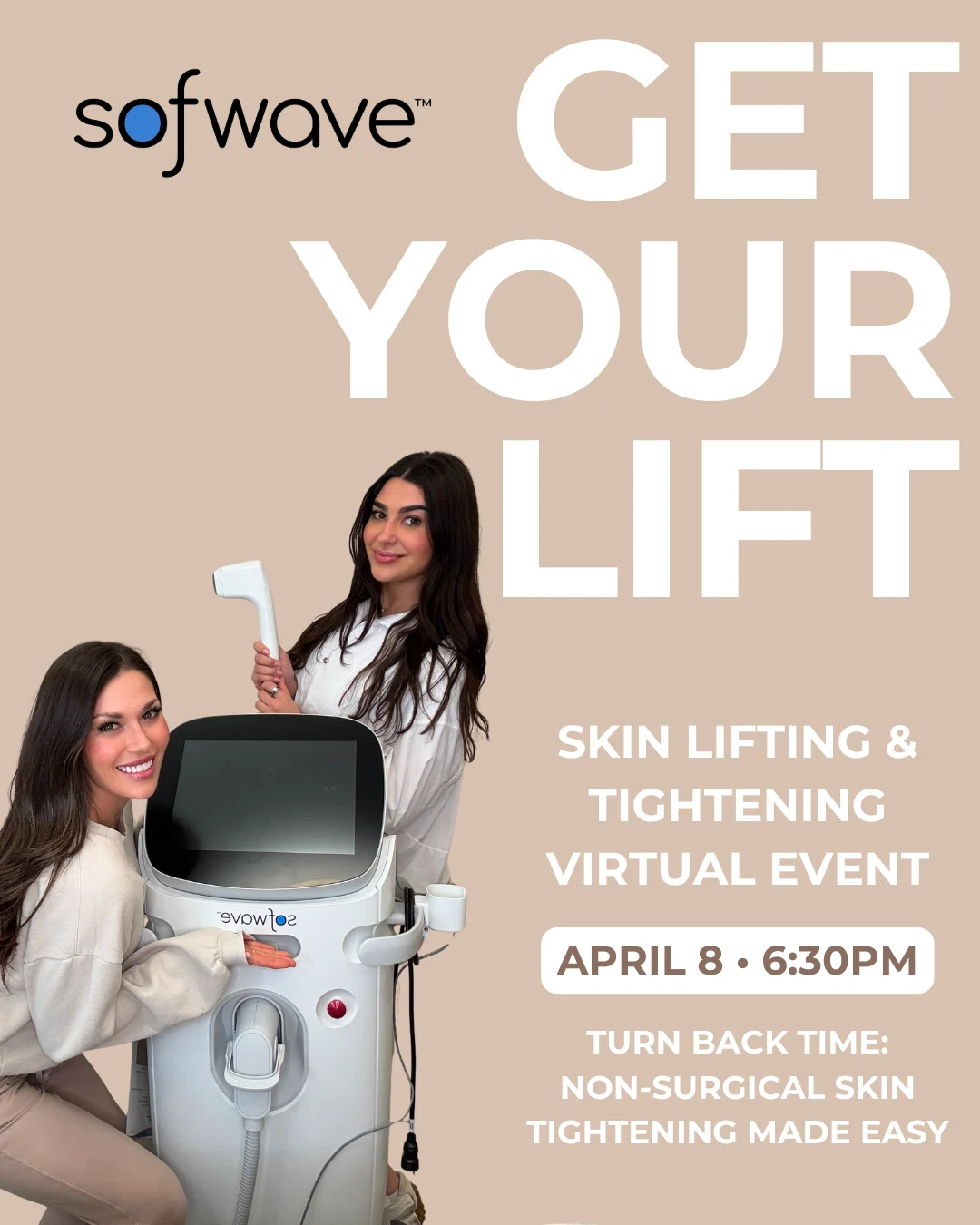 View example
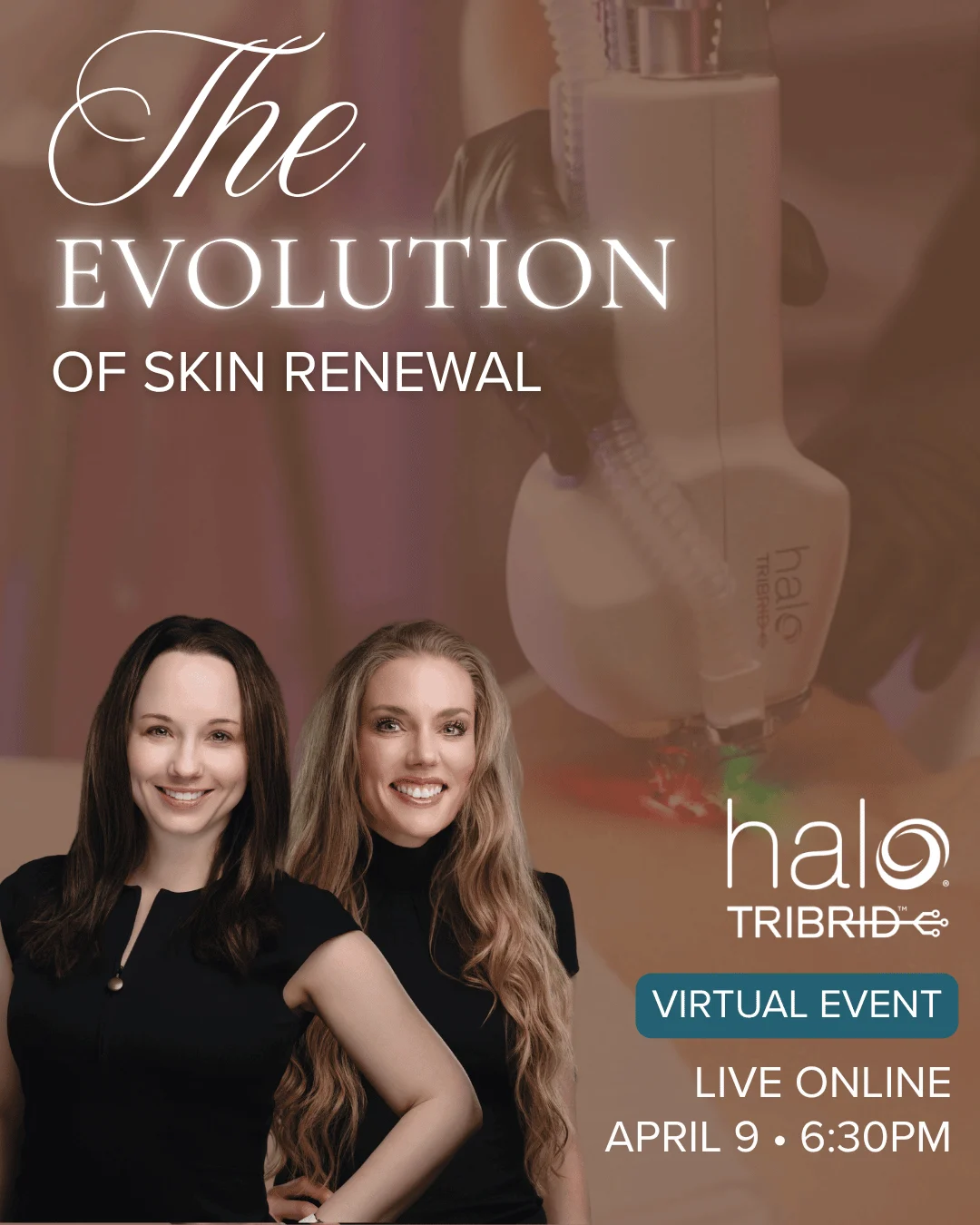 View example
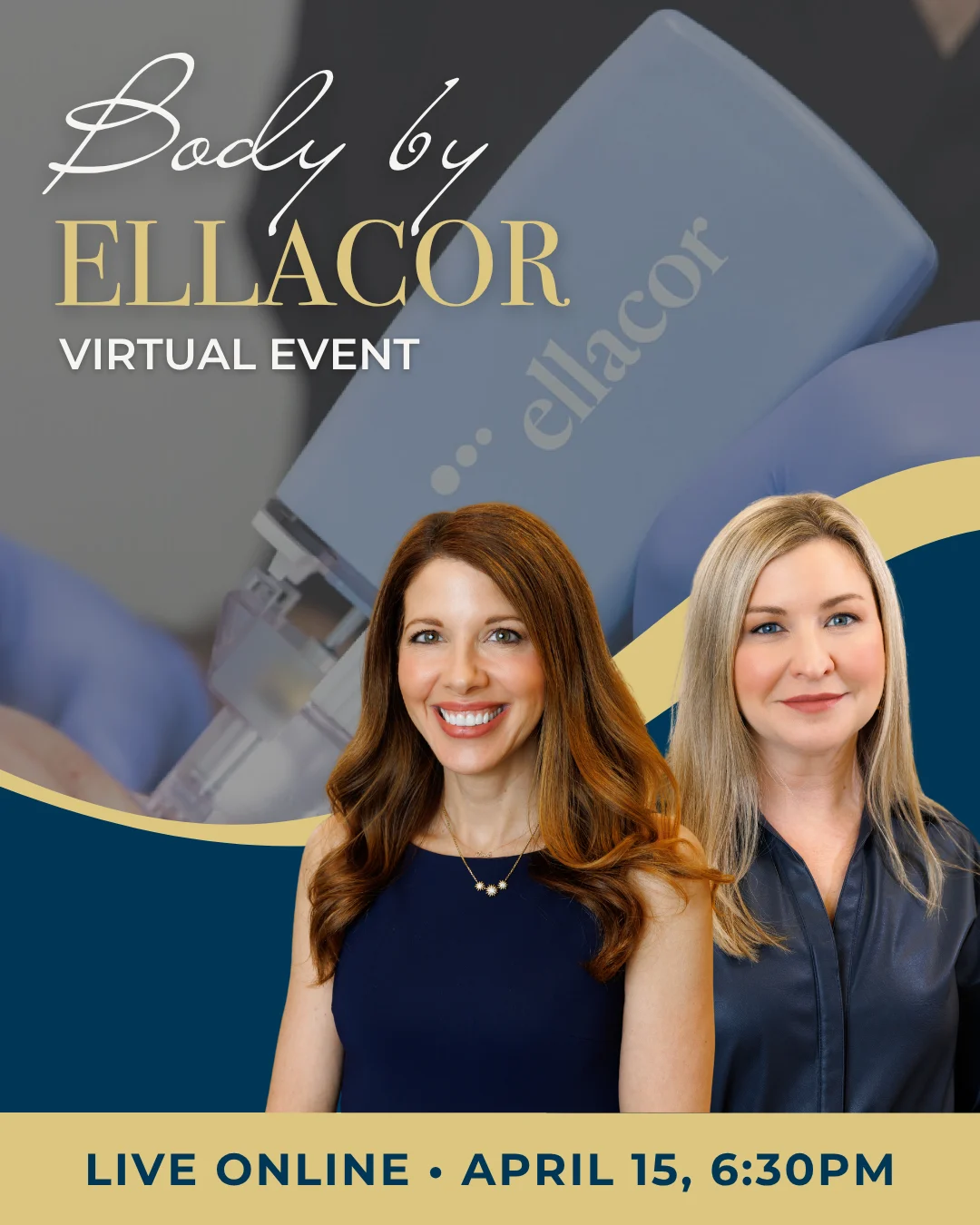 View example
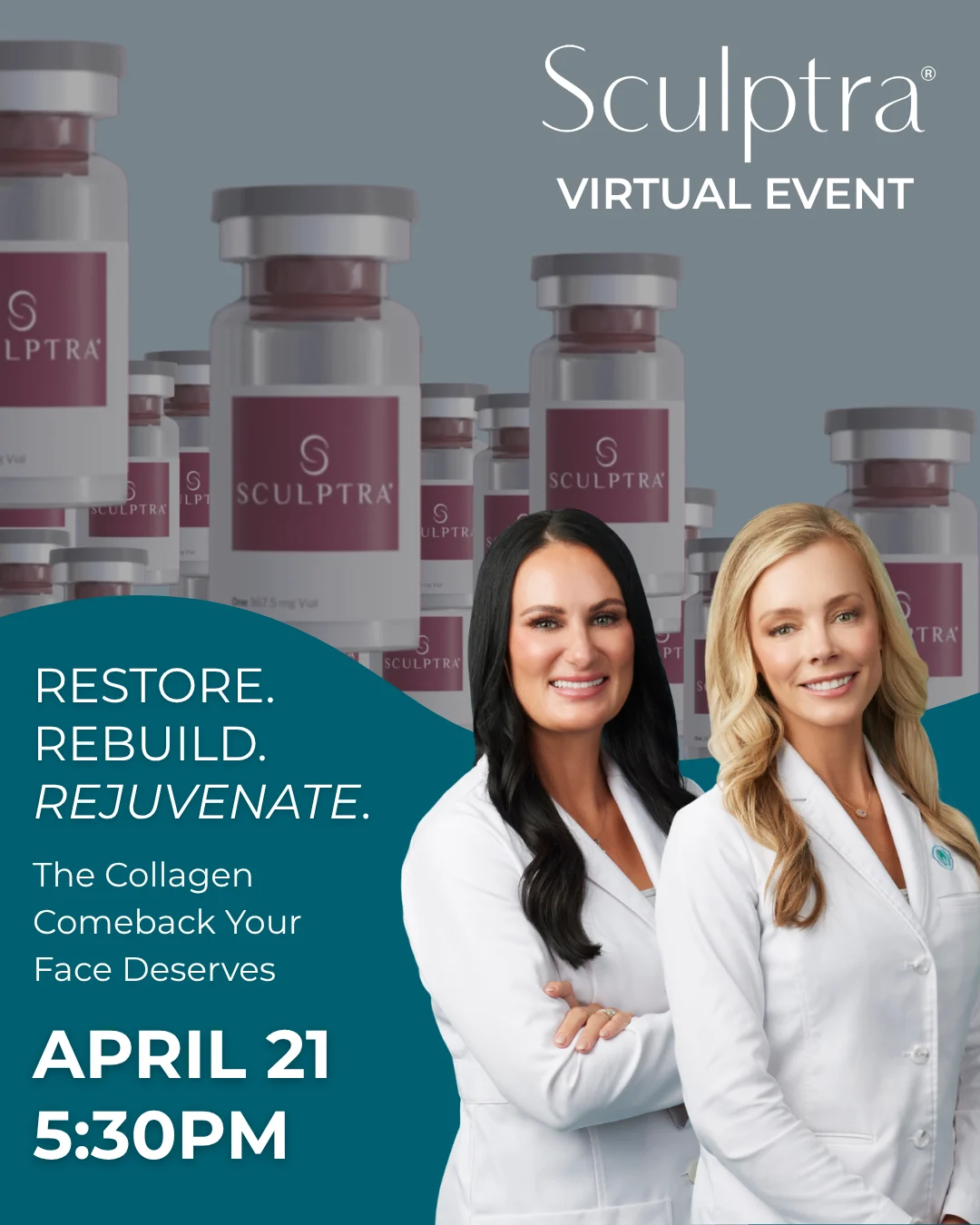 View example
02 / WHAT YOU SEND
Real people.
Real practice energy.
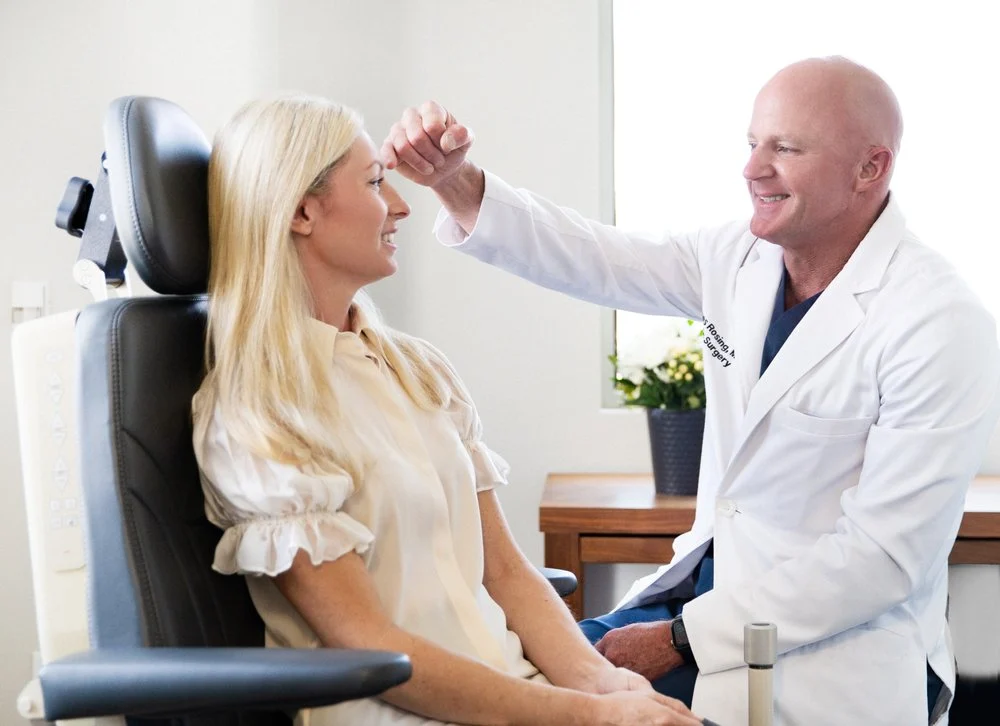
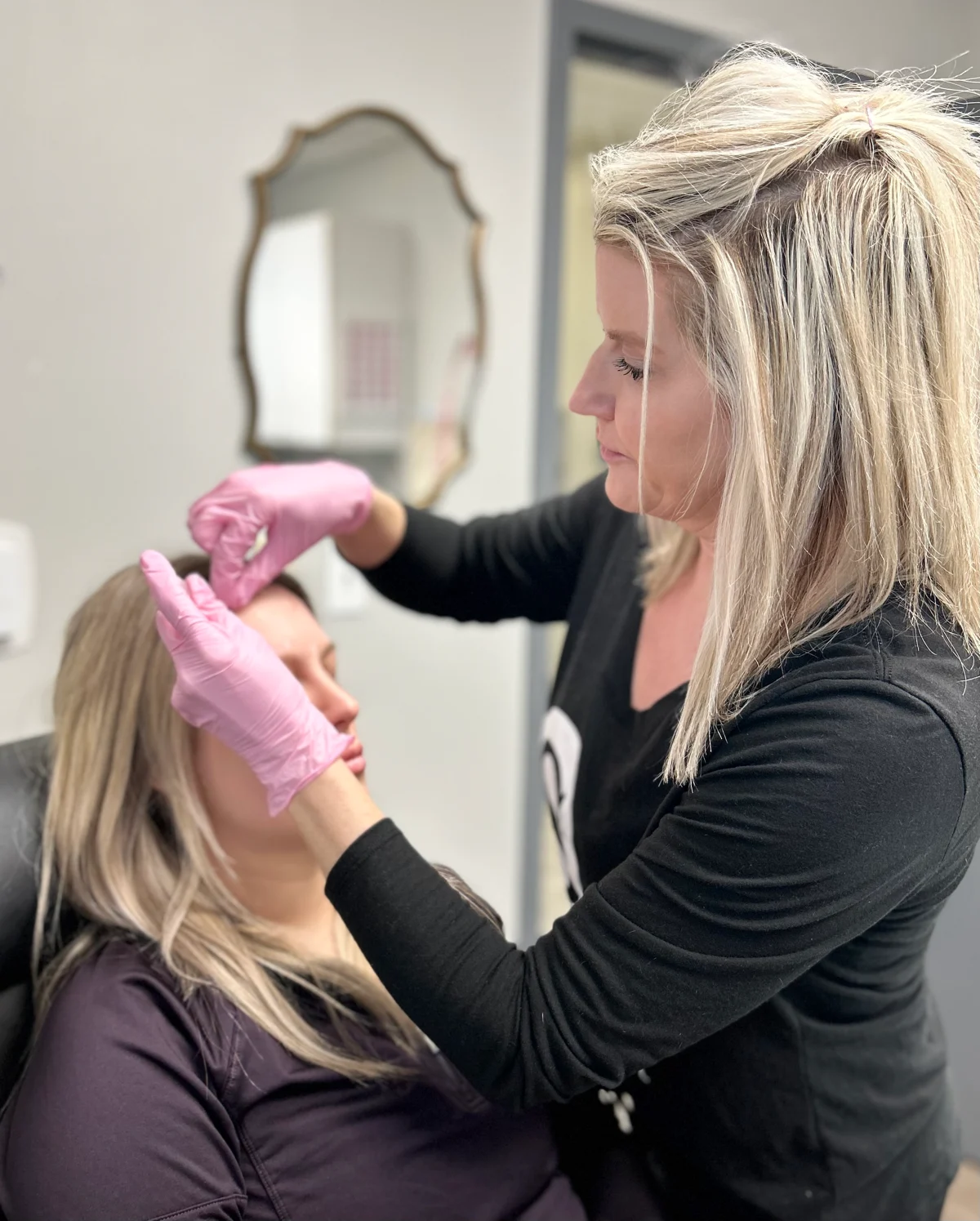
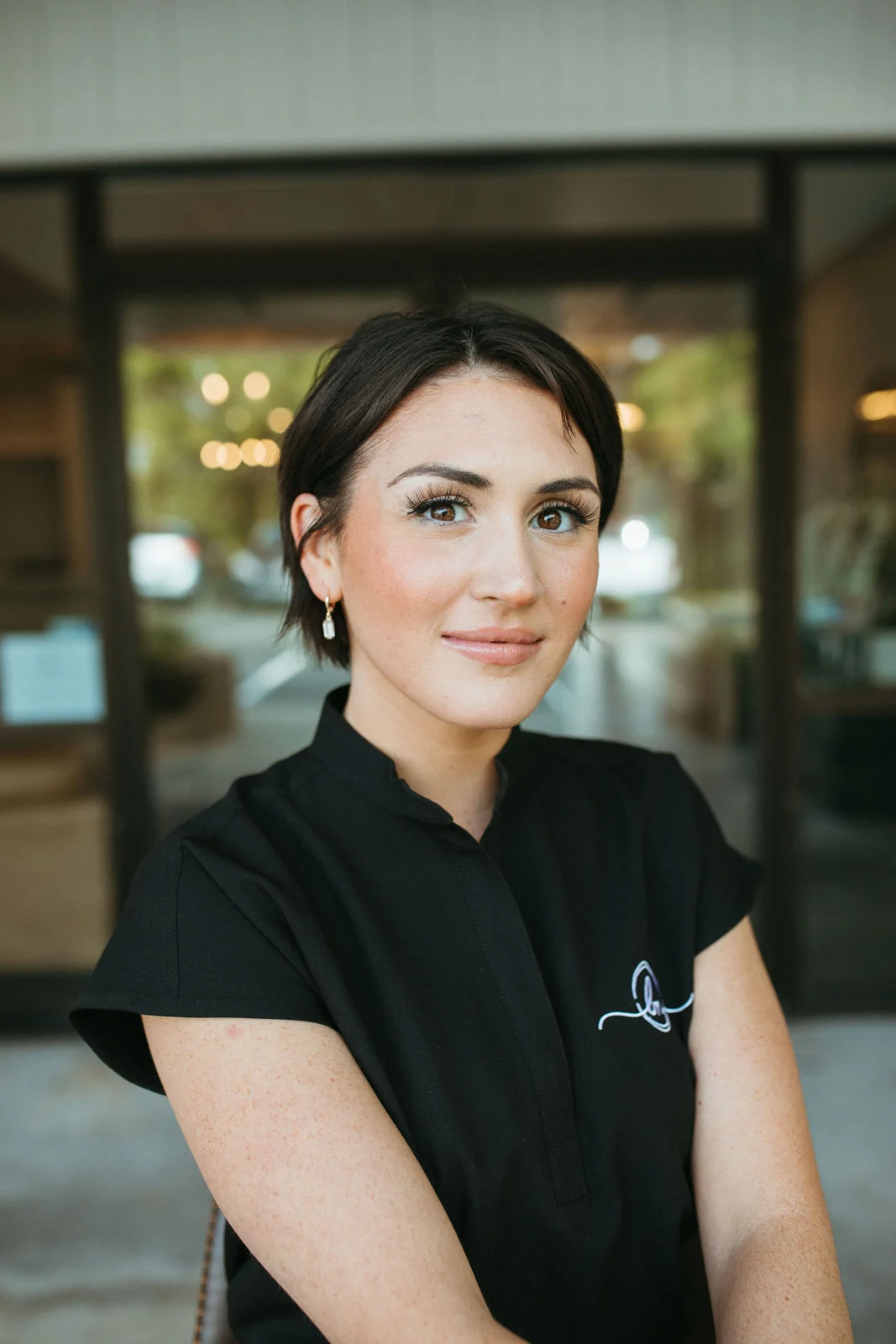
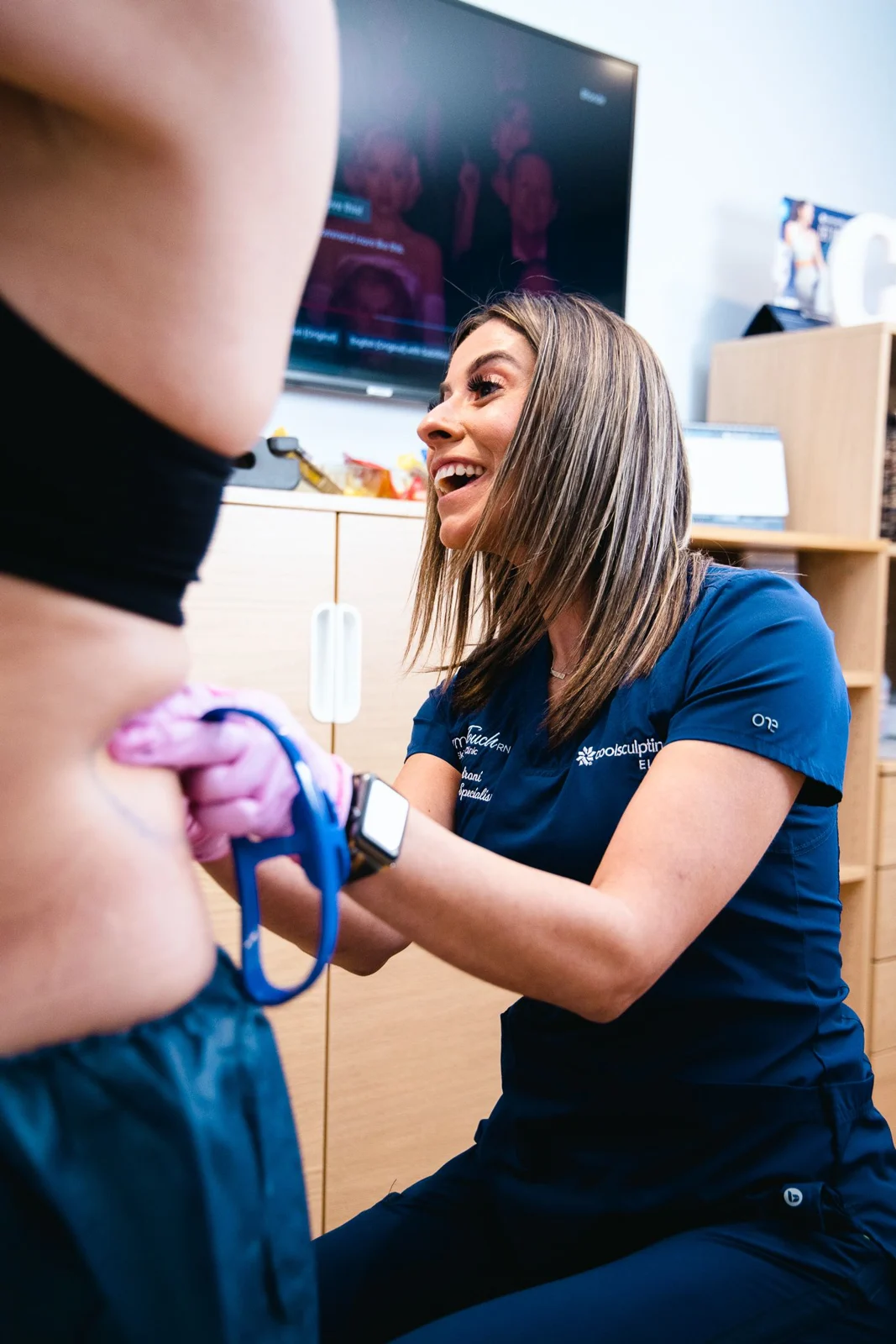
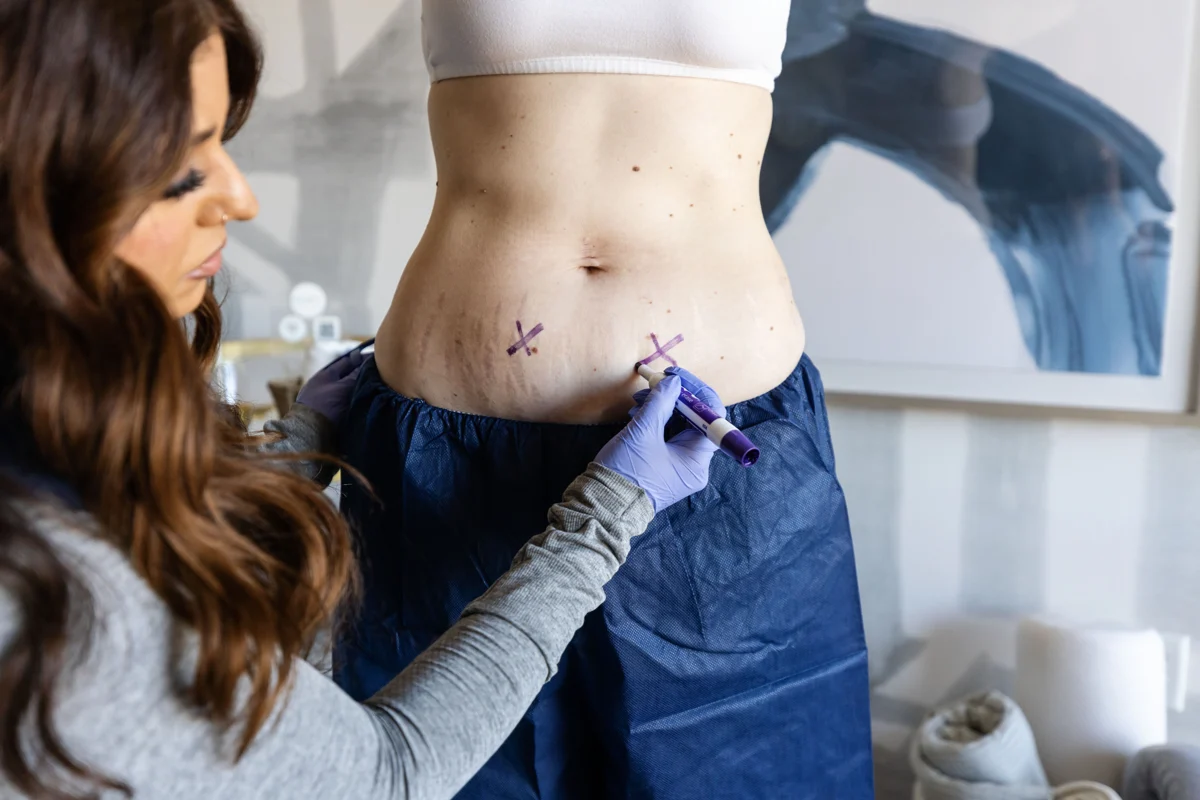
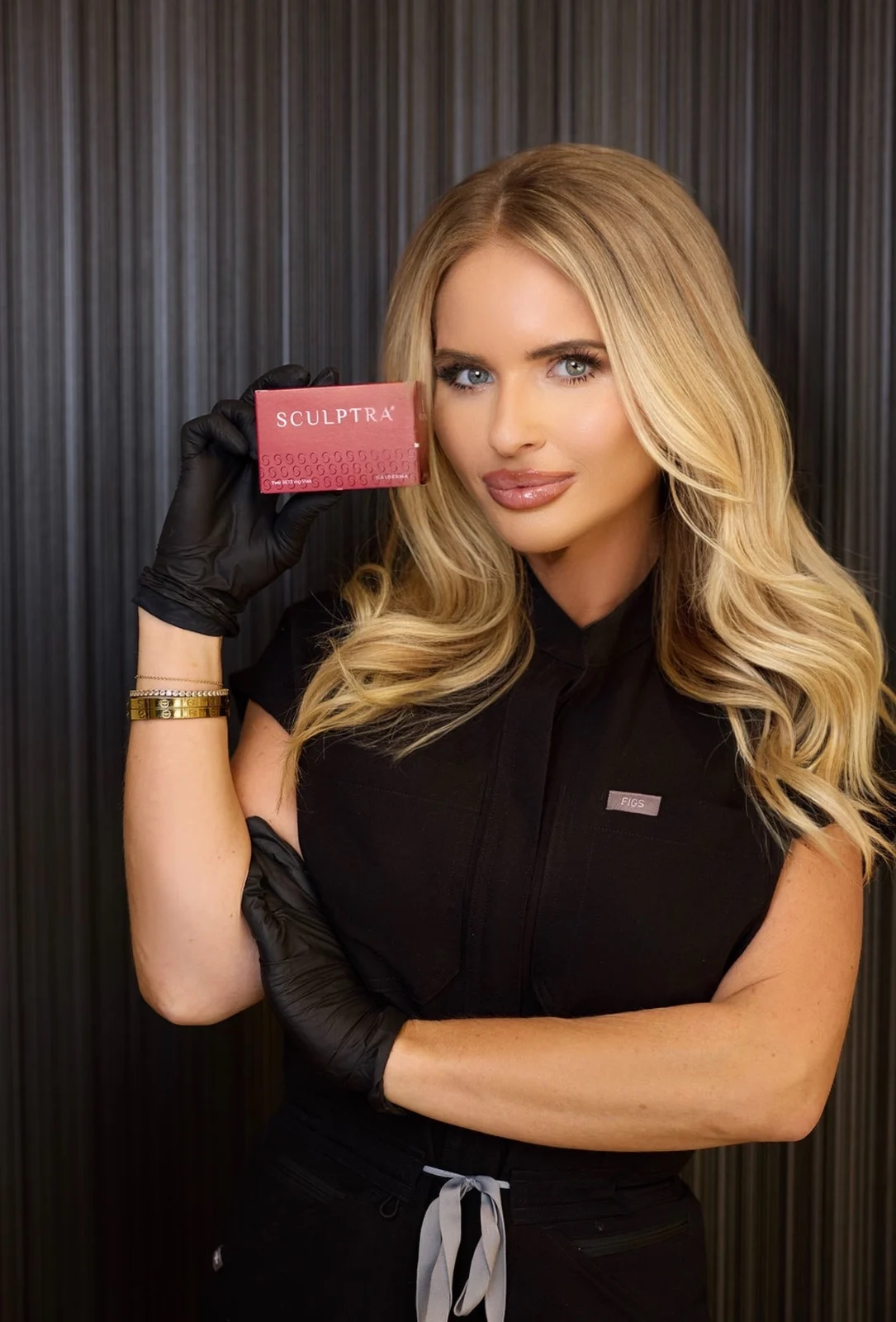
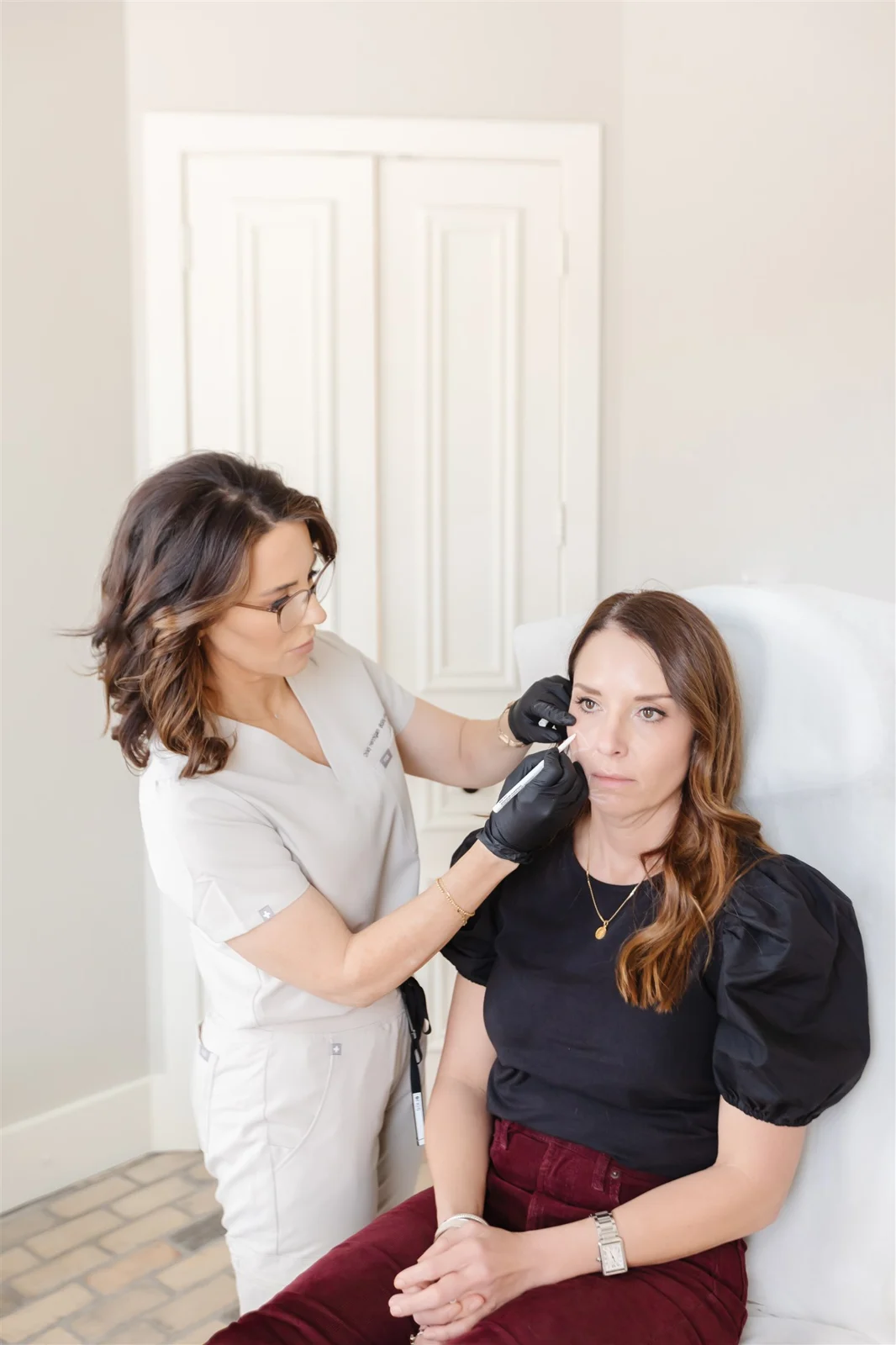
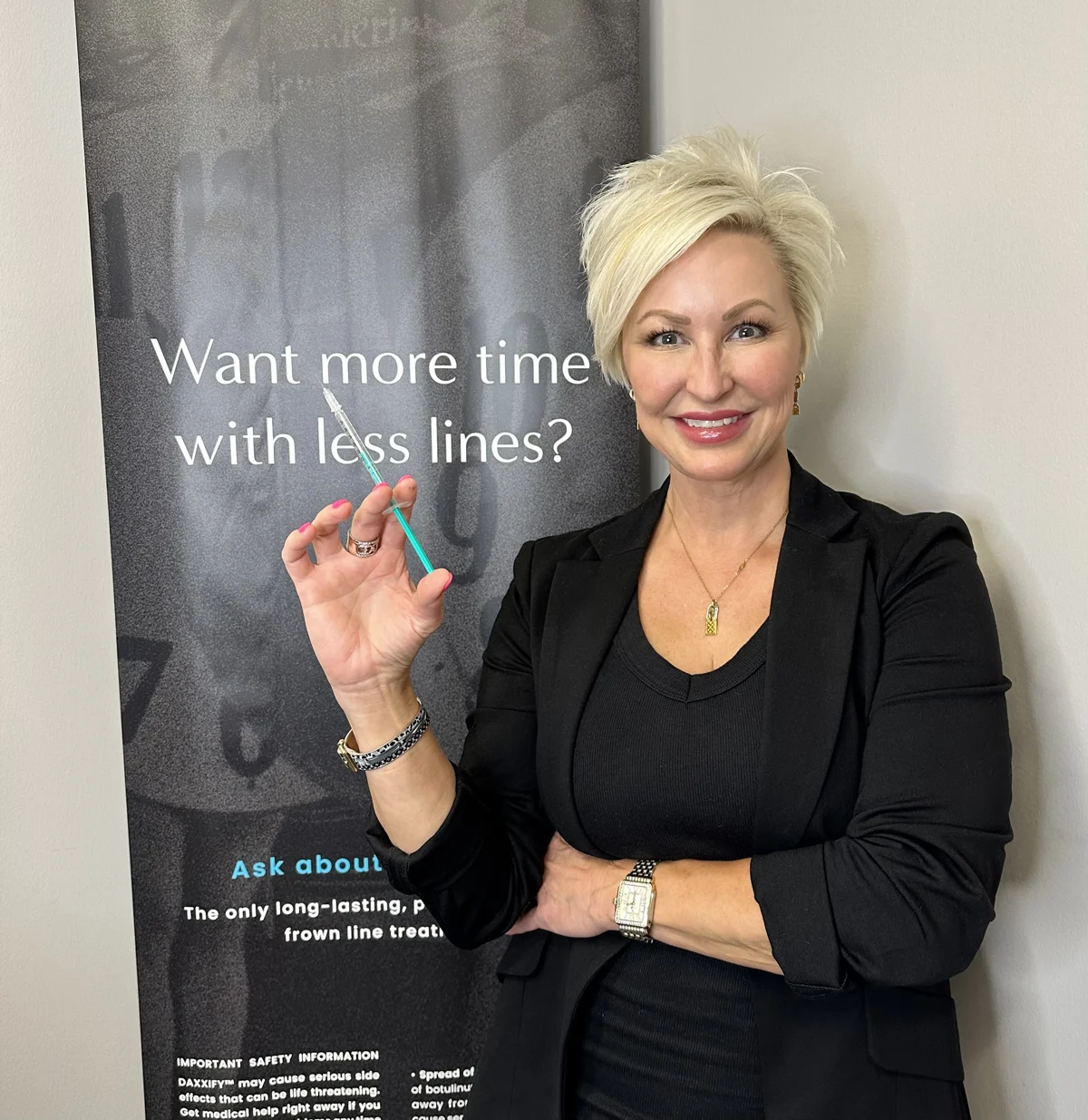
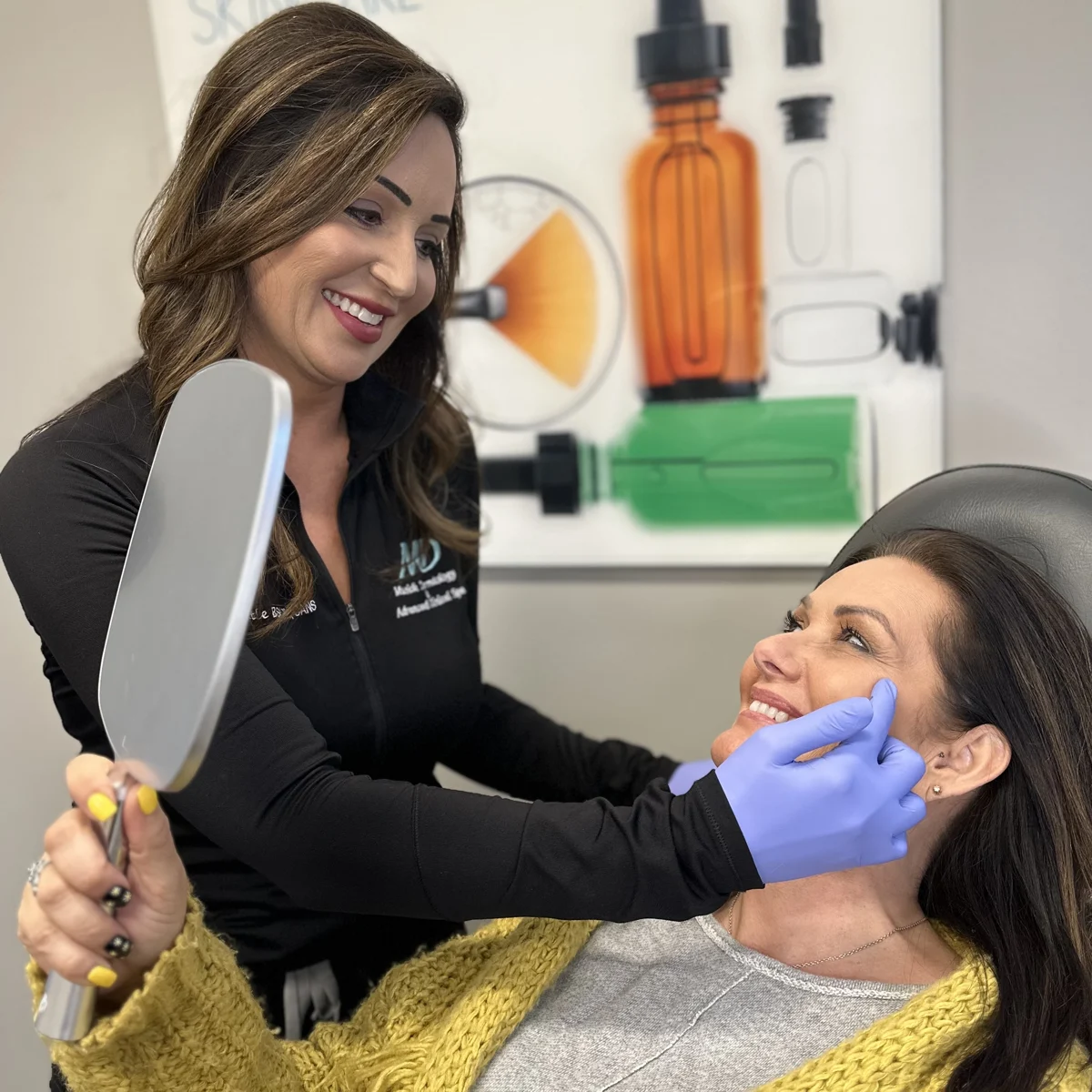
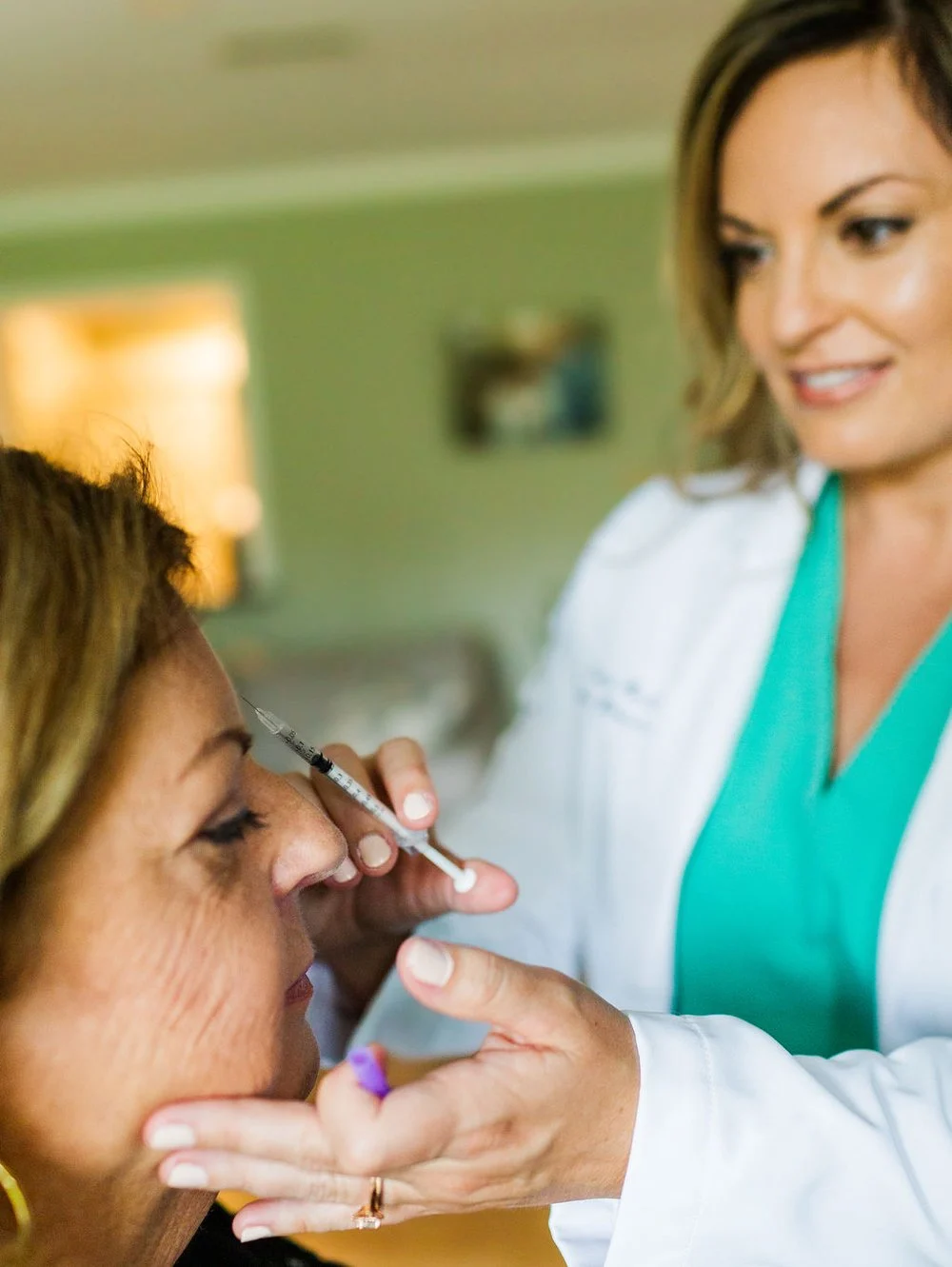
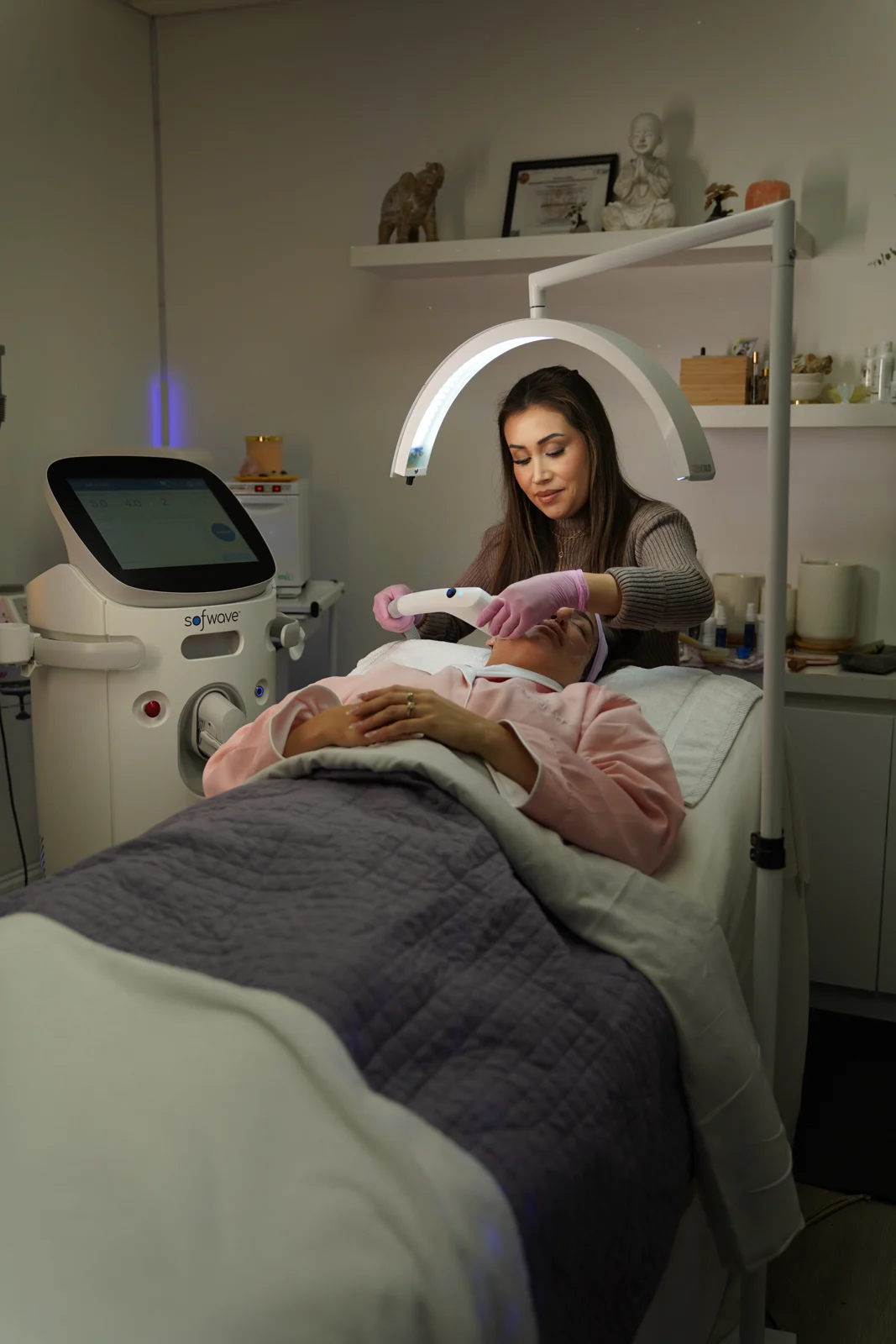
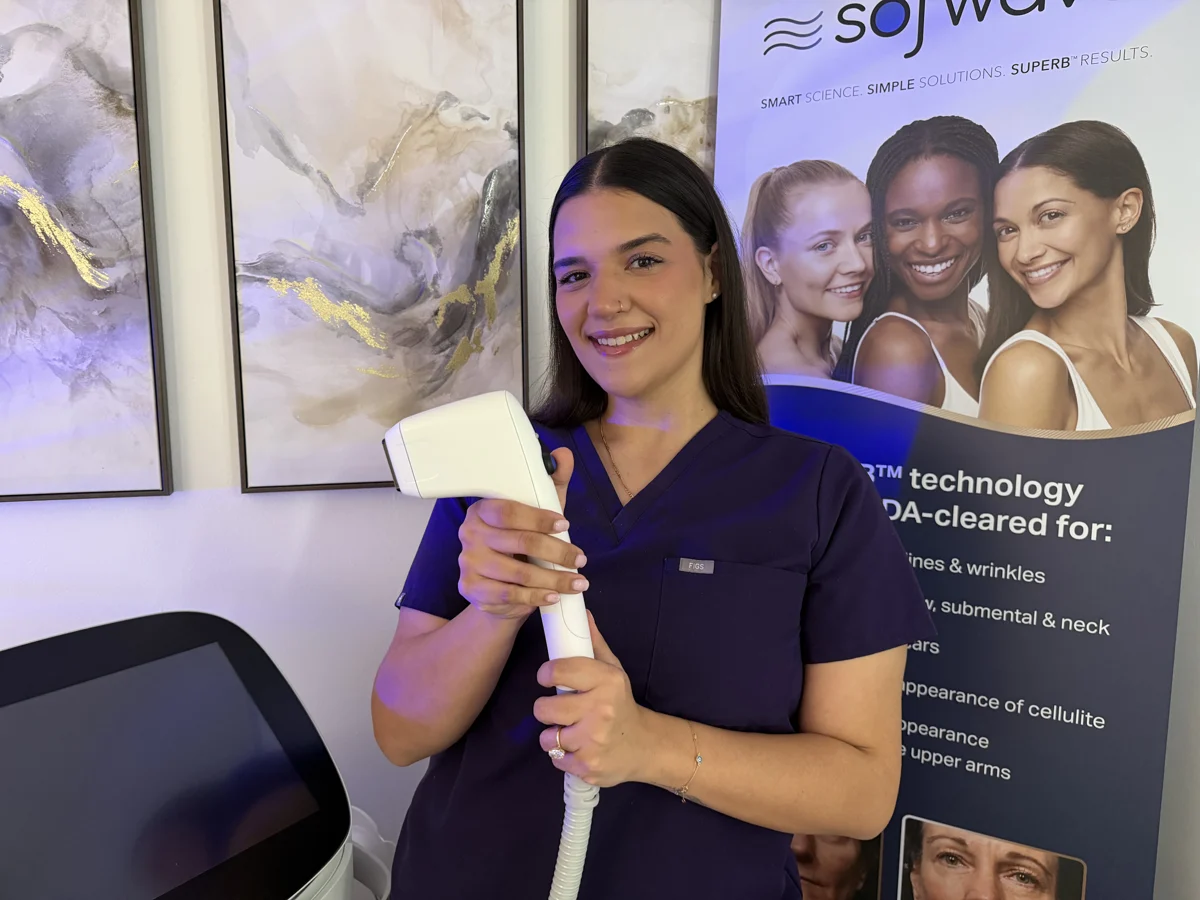
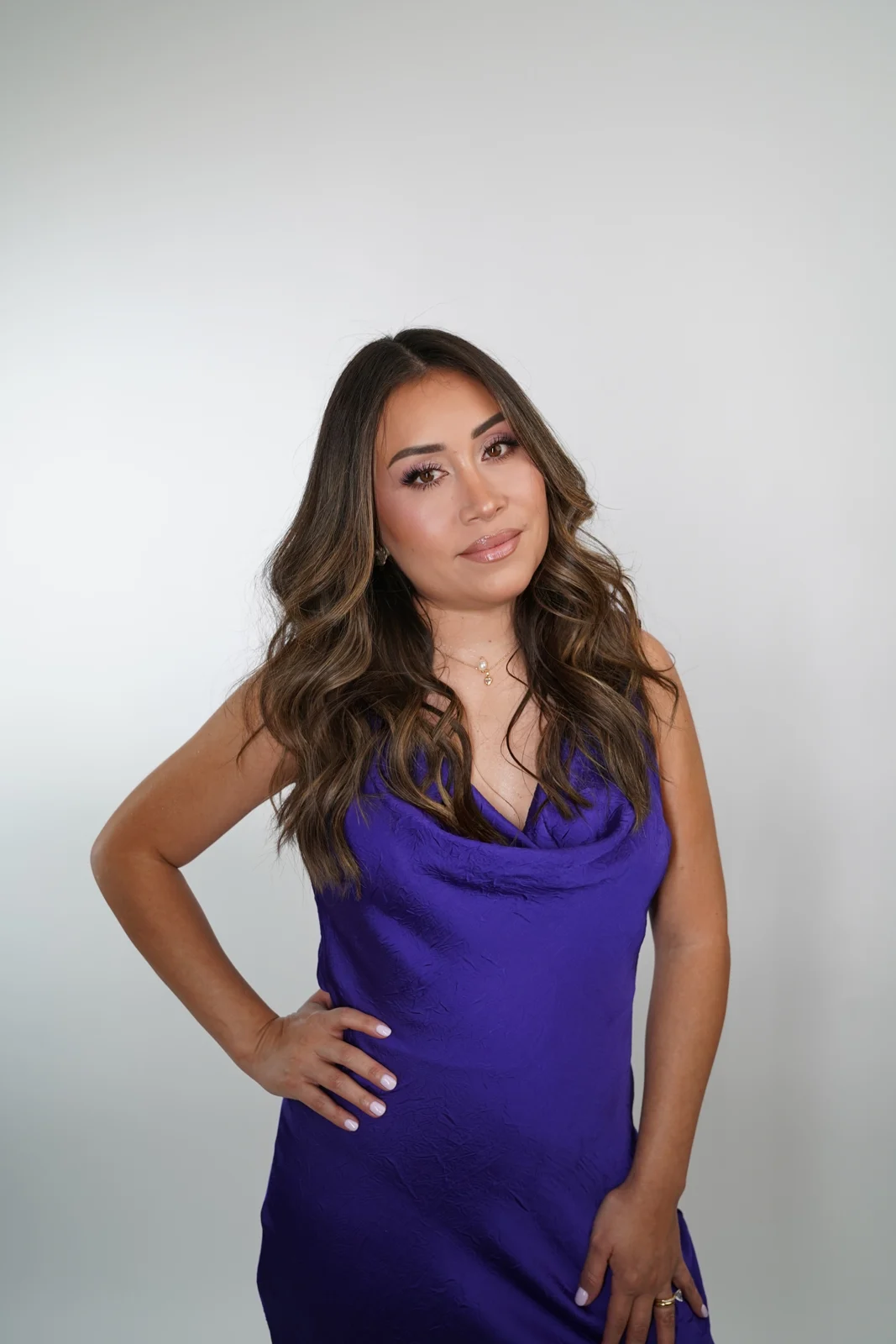
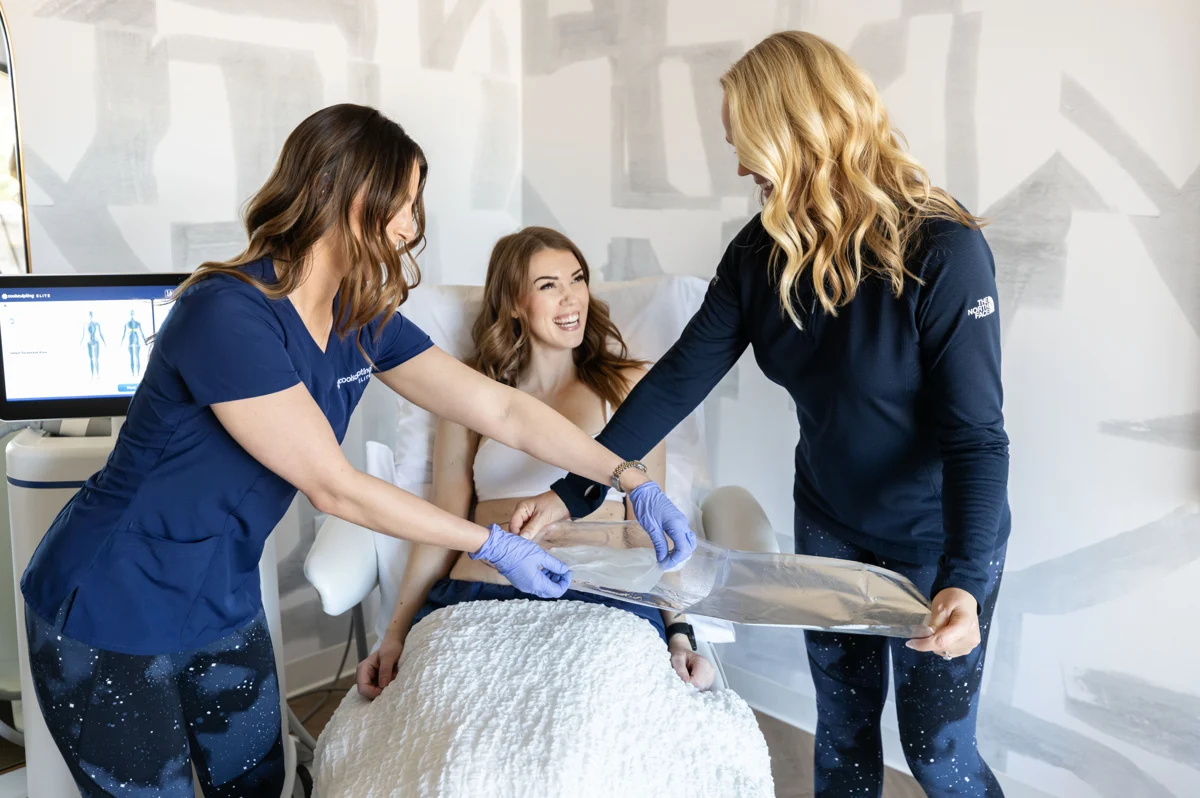
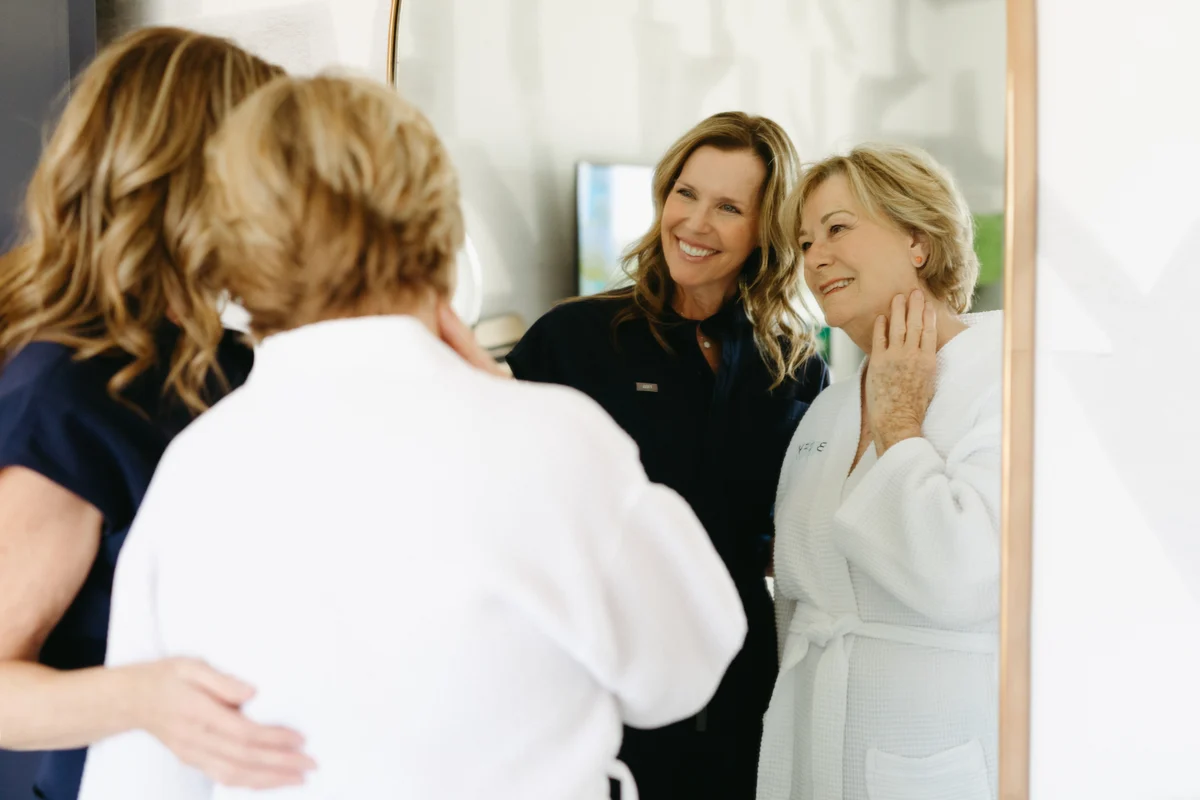
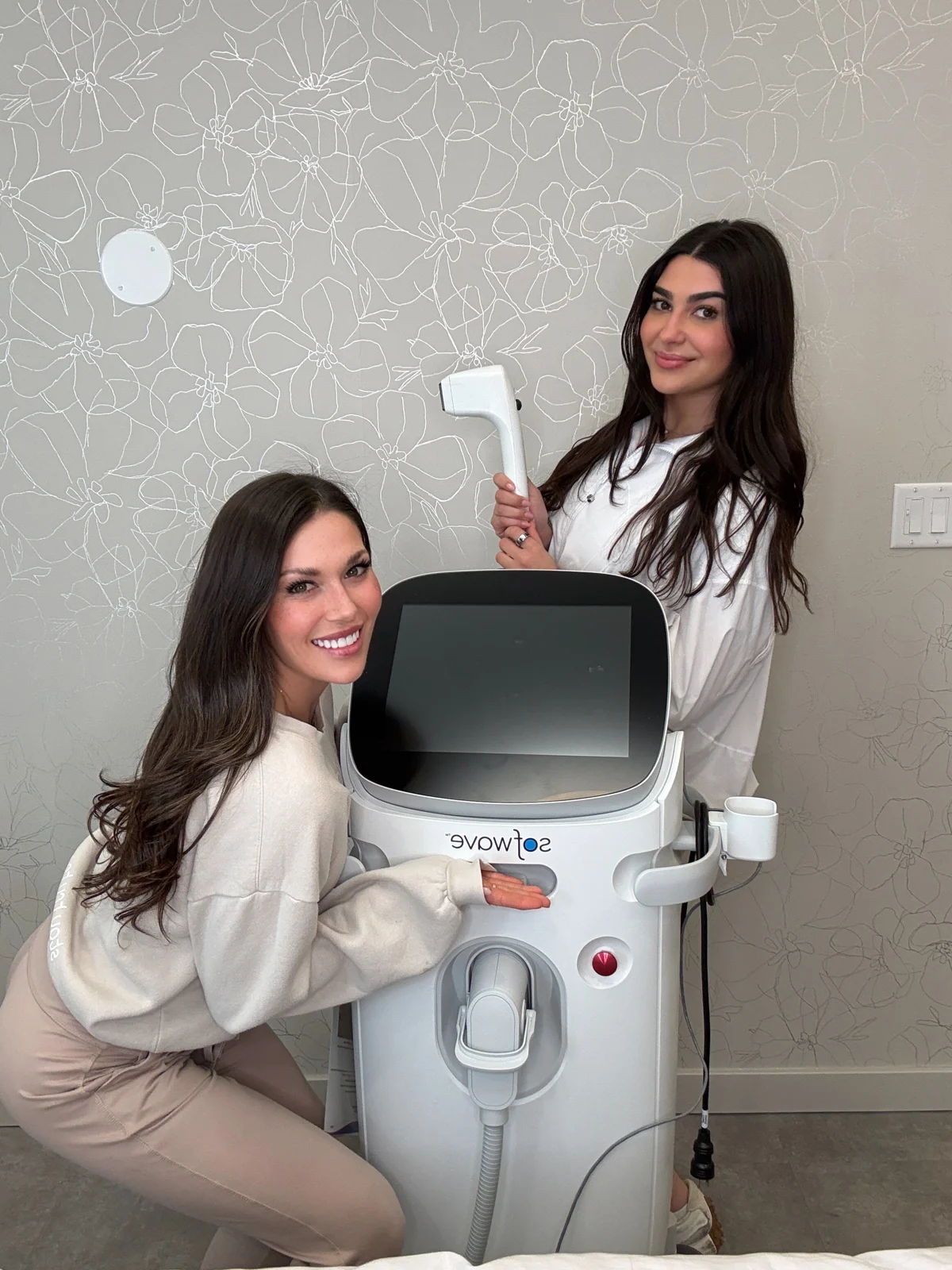
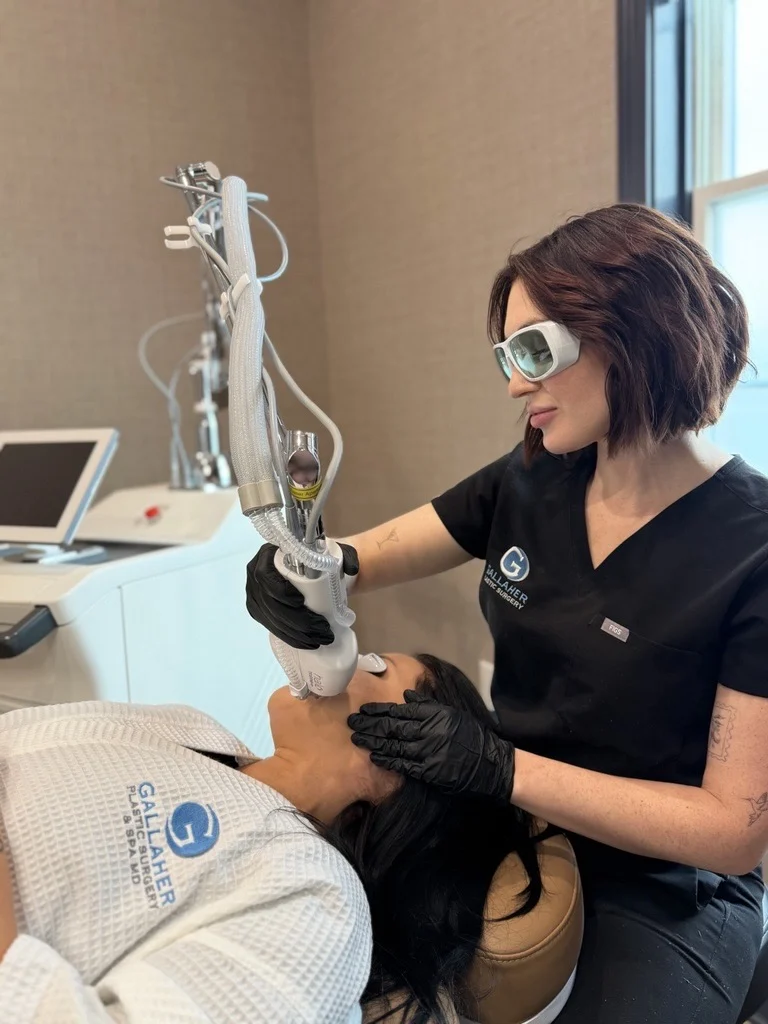
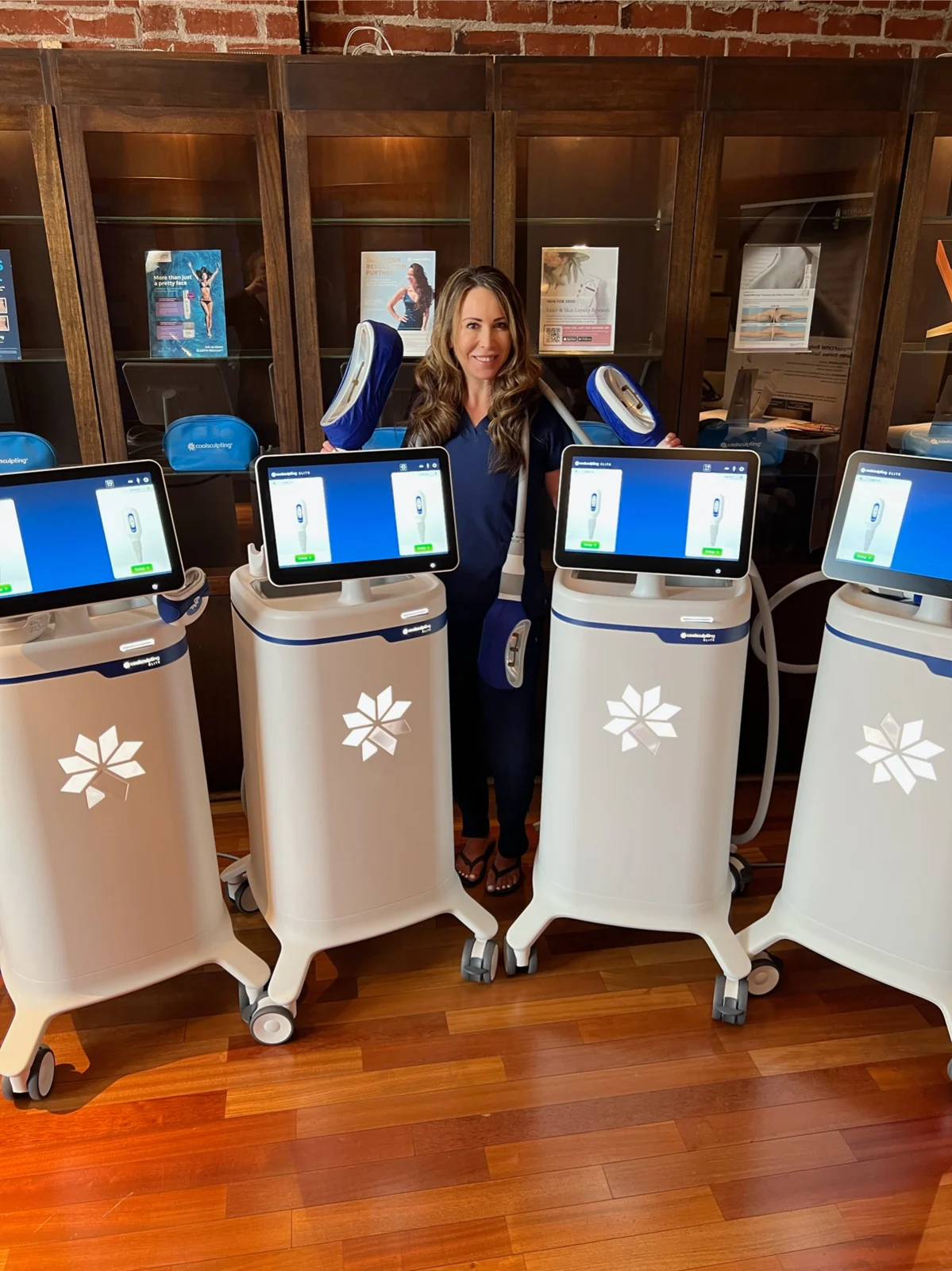
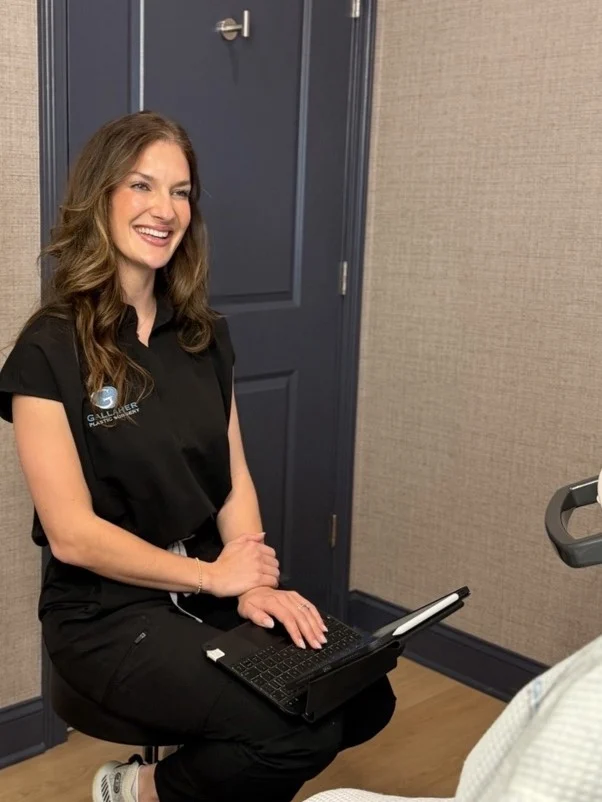
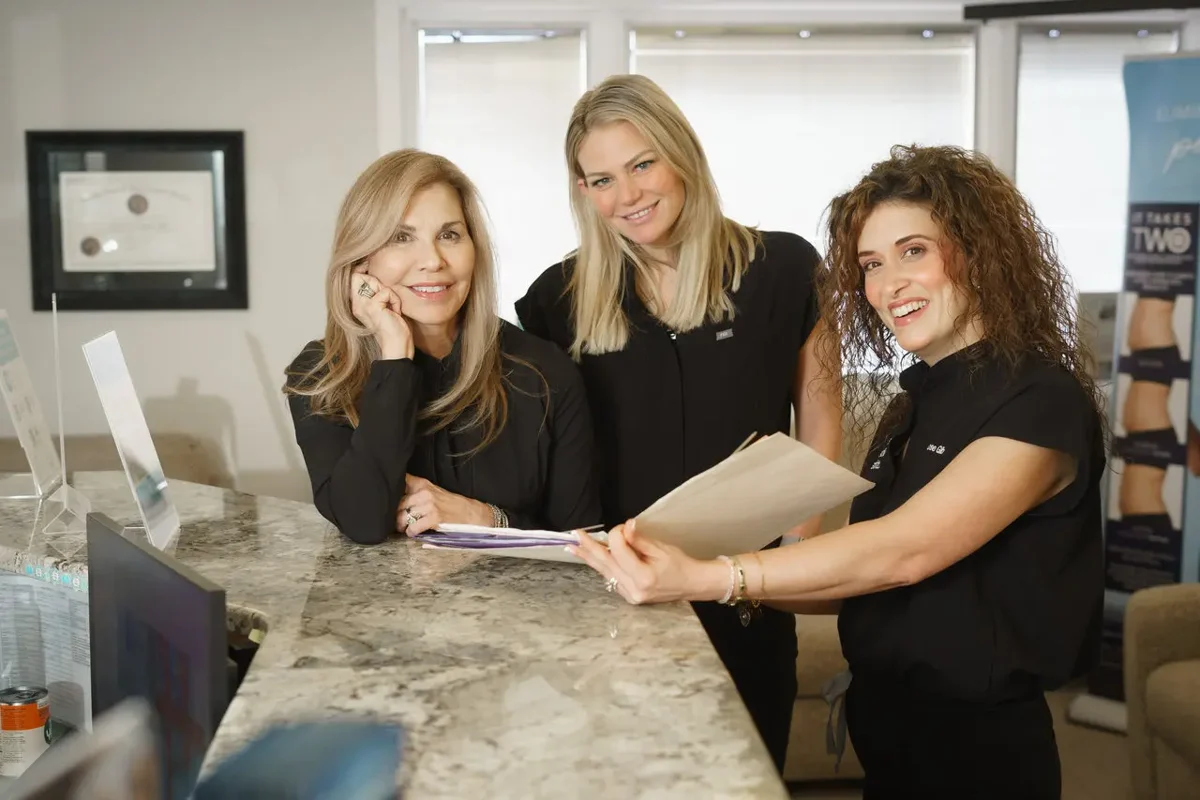
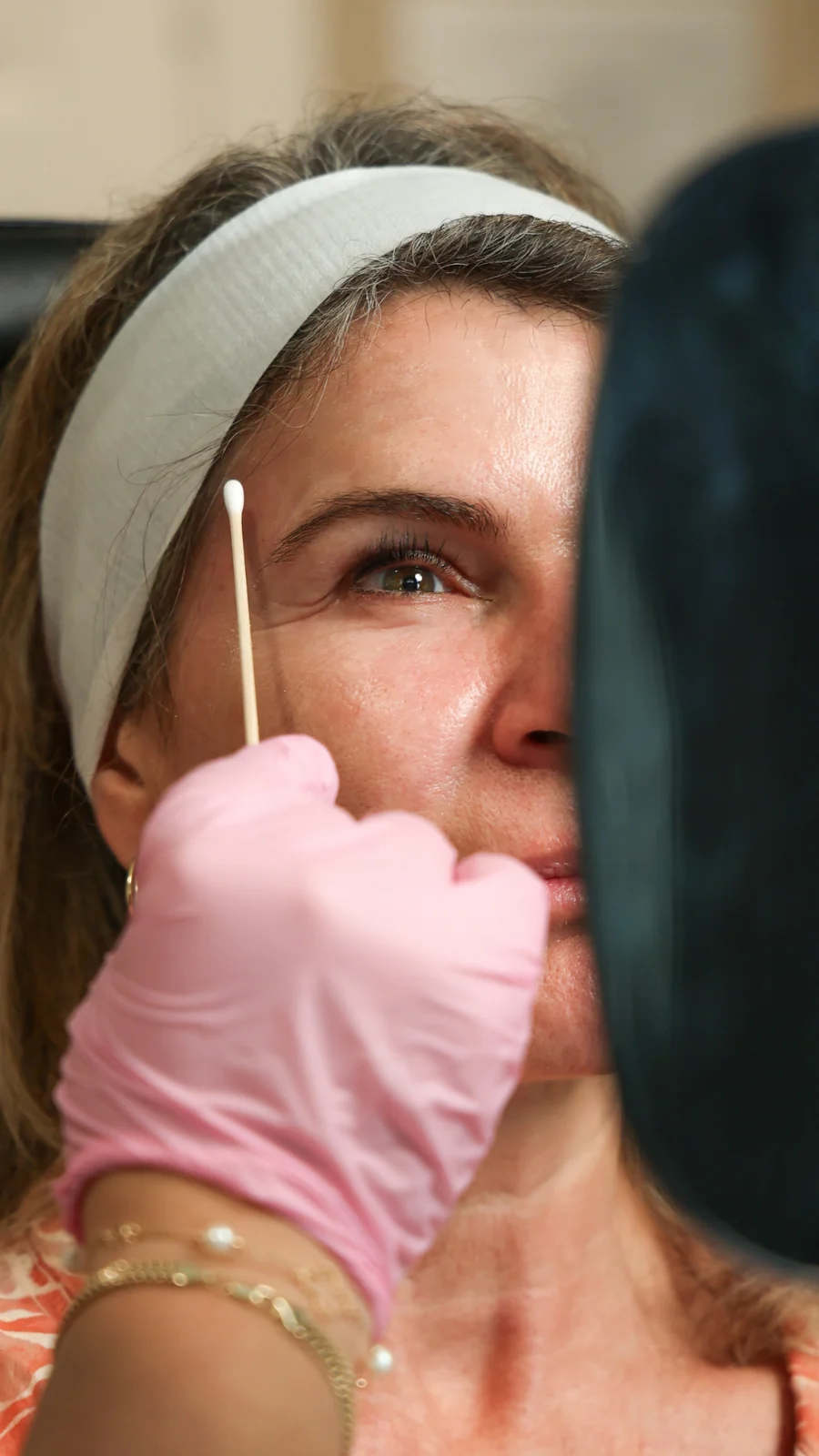
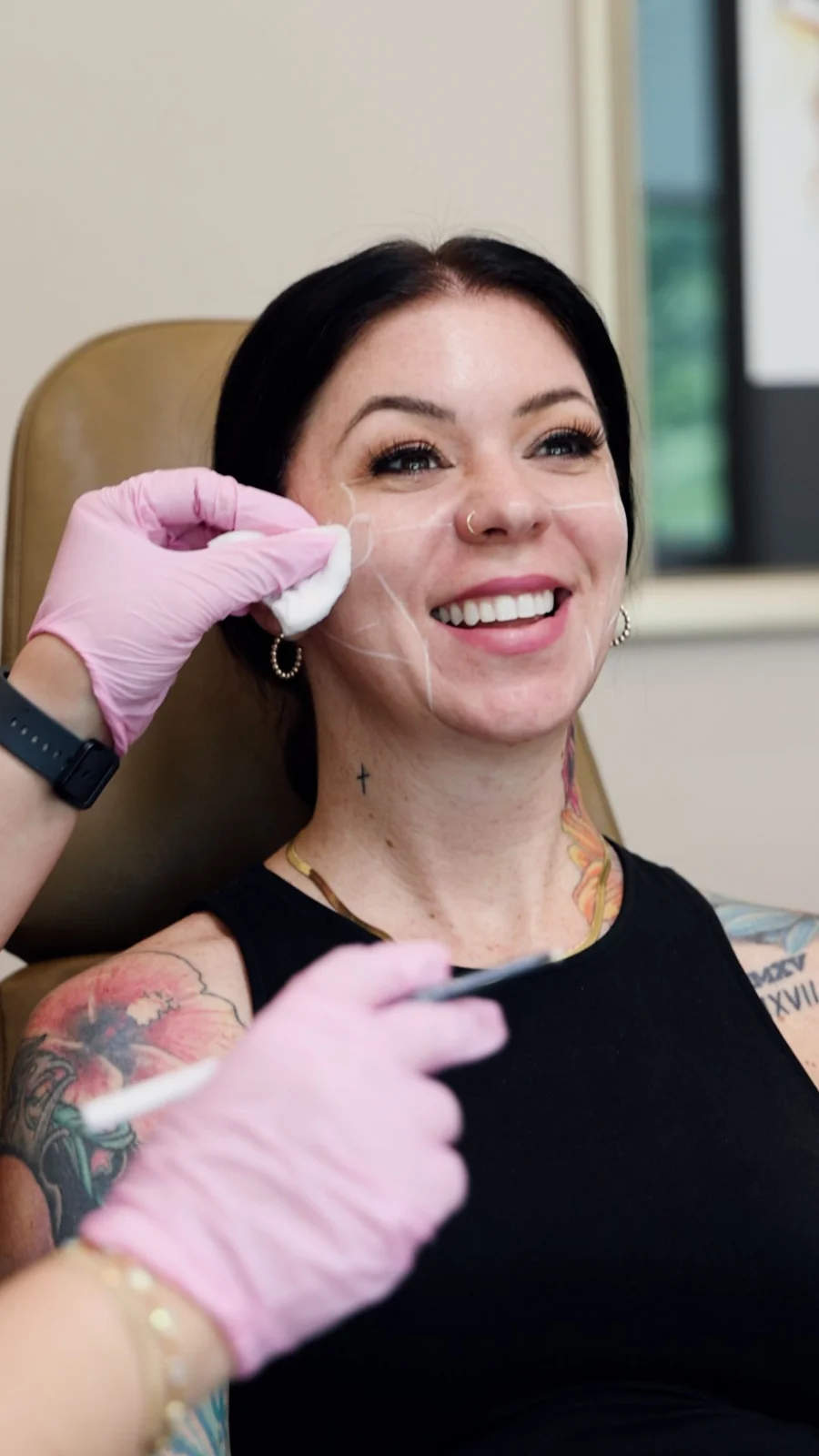
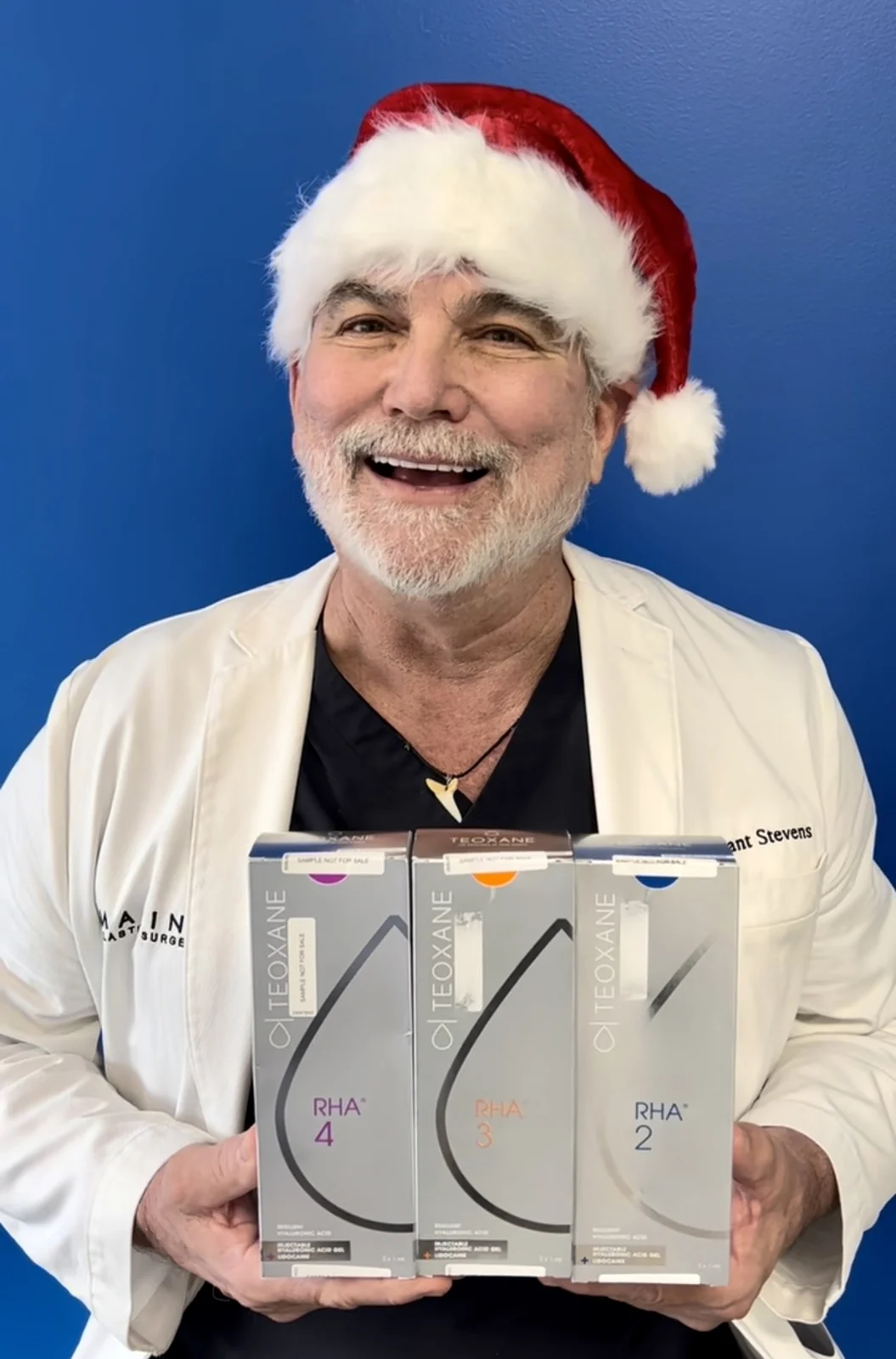
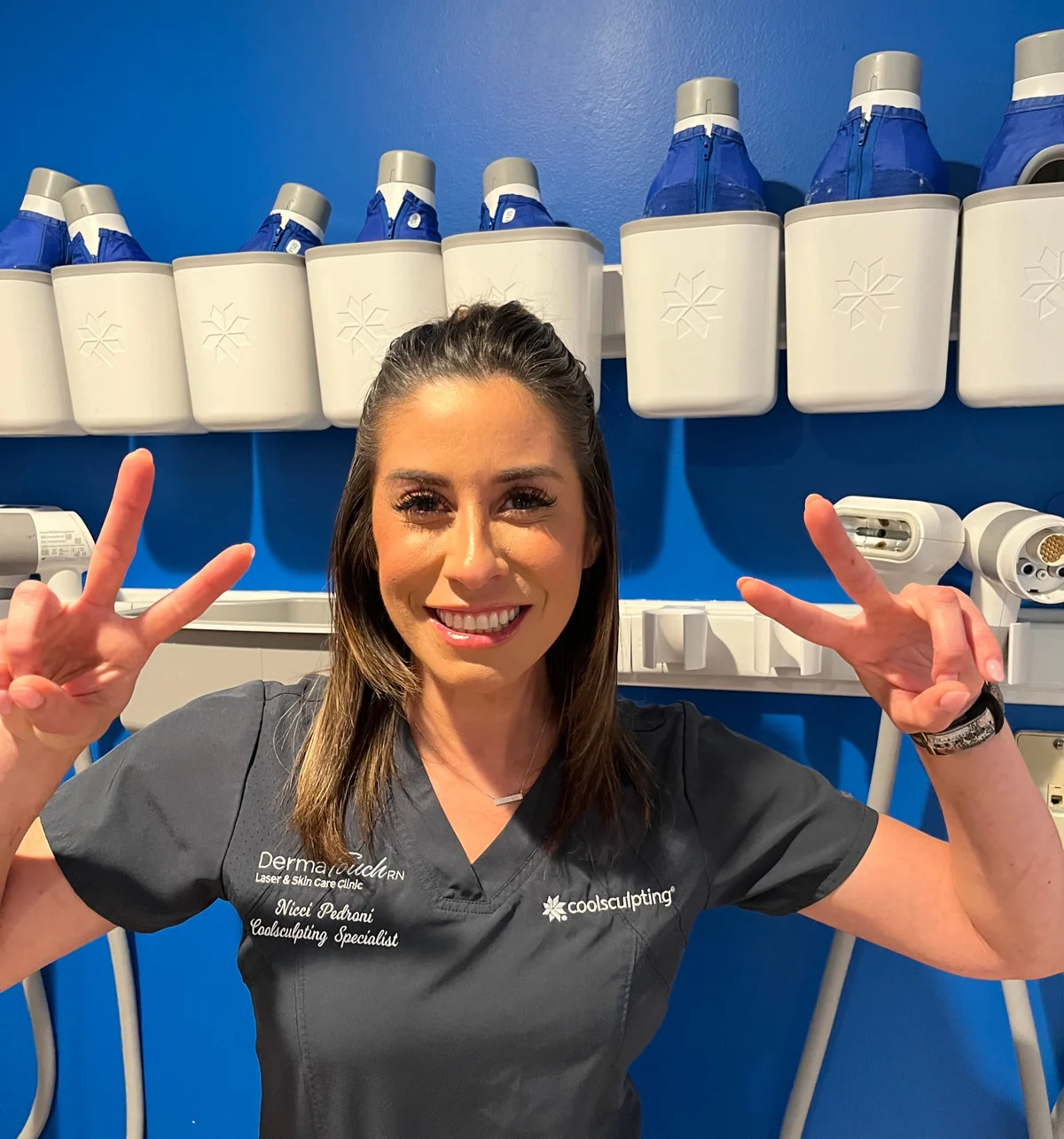
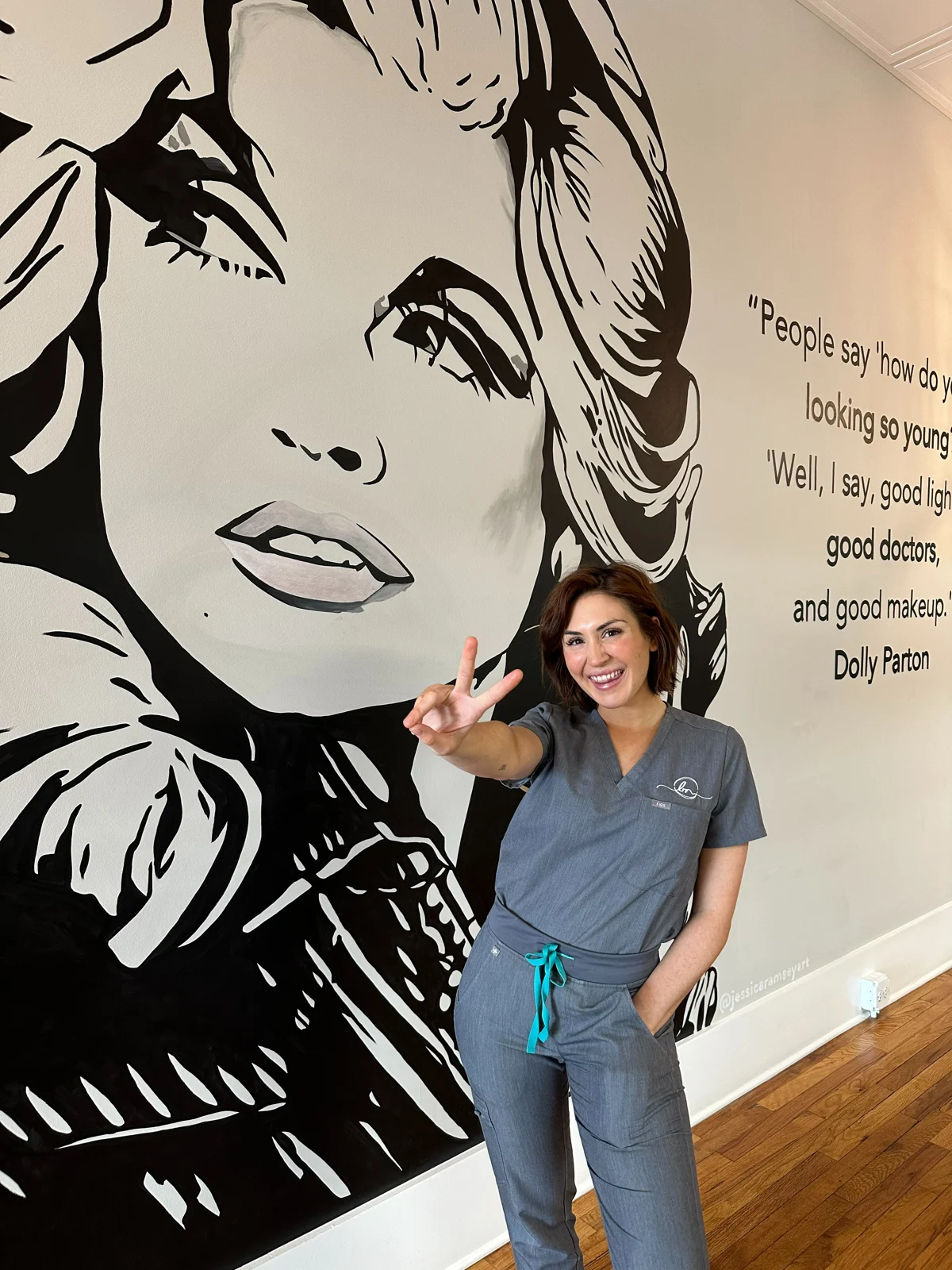
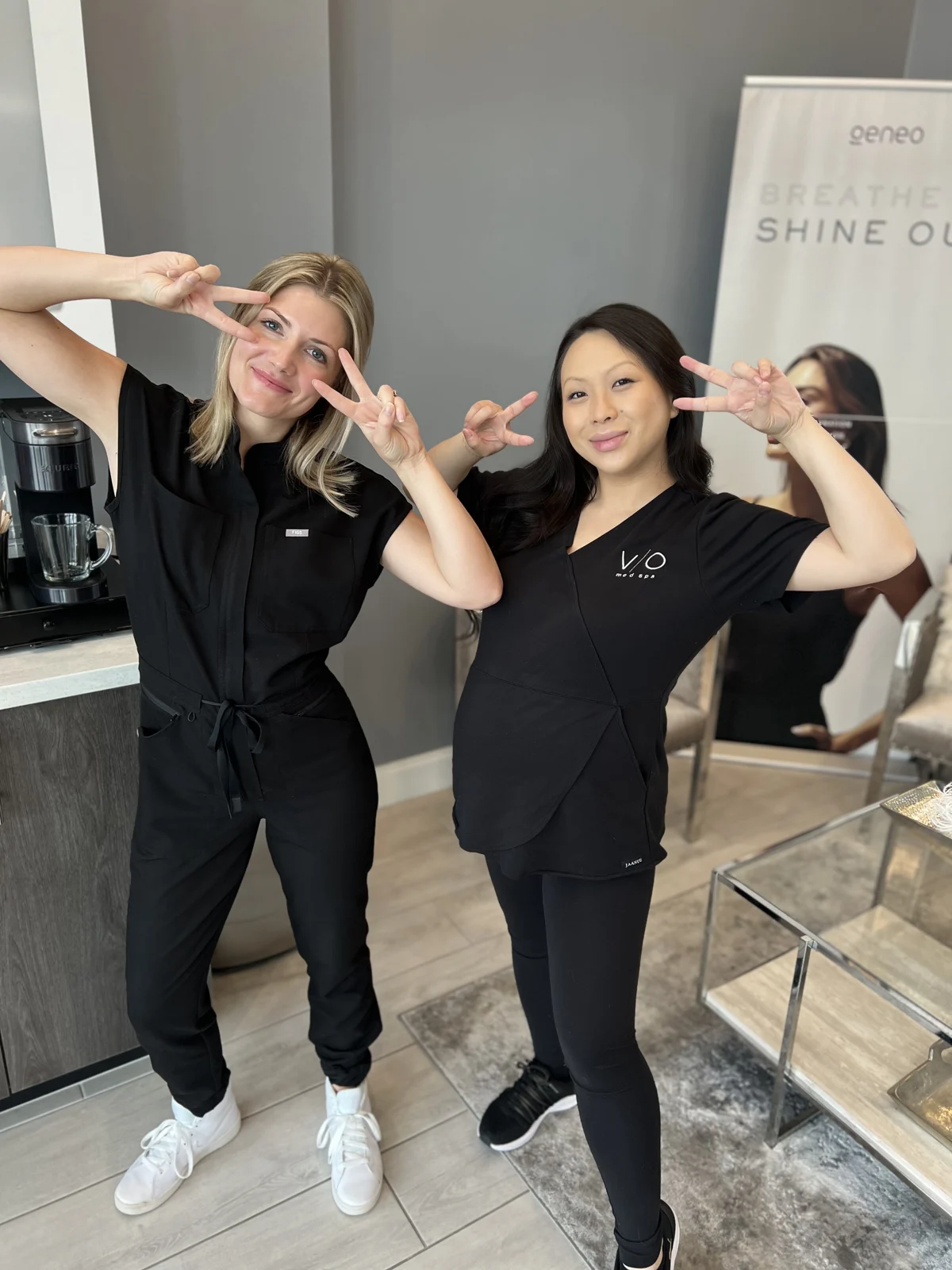
Provider portraits. Team moments. Treatments in action. The photos that make someone say, “Oh, I know them.”
Send the original, high-resolution files. Include approved treatment and before-and-after photos only when you have permission to use them in your campaign.
 View example
 View example
 View example
 View example
 View example
 View example
See all 25 practice photo examples
 View example
 View example
 View example
 View example
 View example
 View example
 View example
 View example
 View example
 View example
 View example
 View example
 View example
 View example
 View example
 View example
 View example
 View example
 View example
03 / THE FINAL NUDGE
Give them a reason
to join you live.
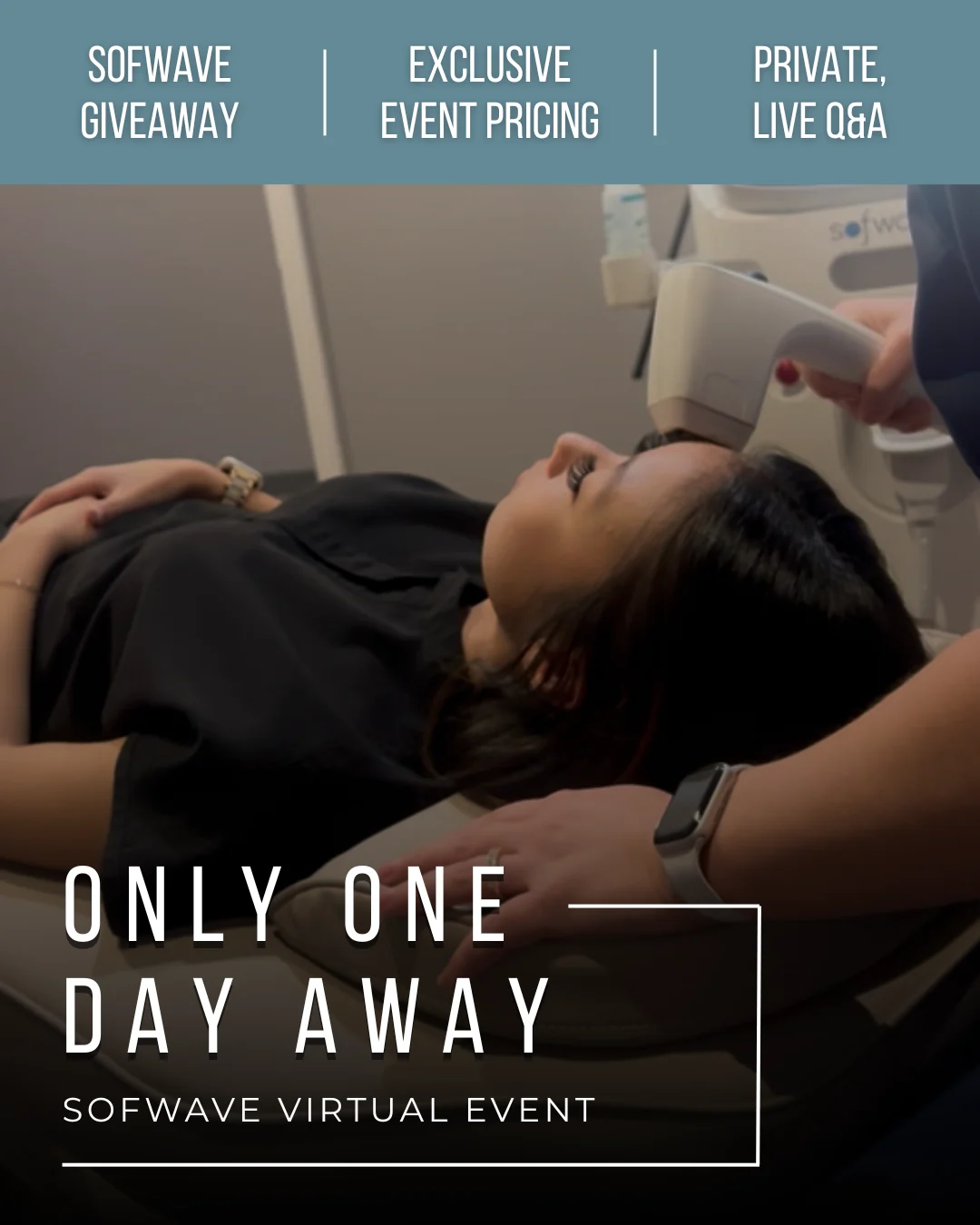
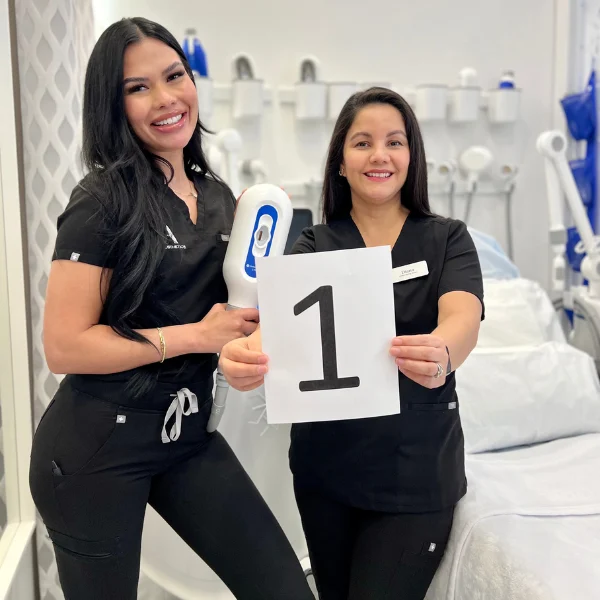
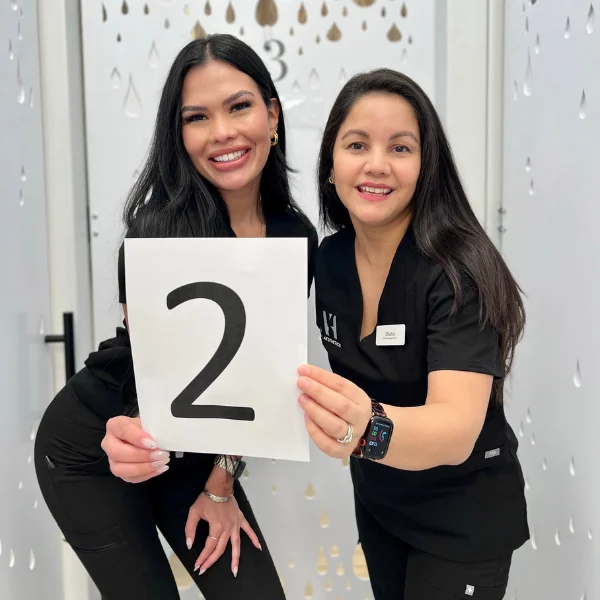
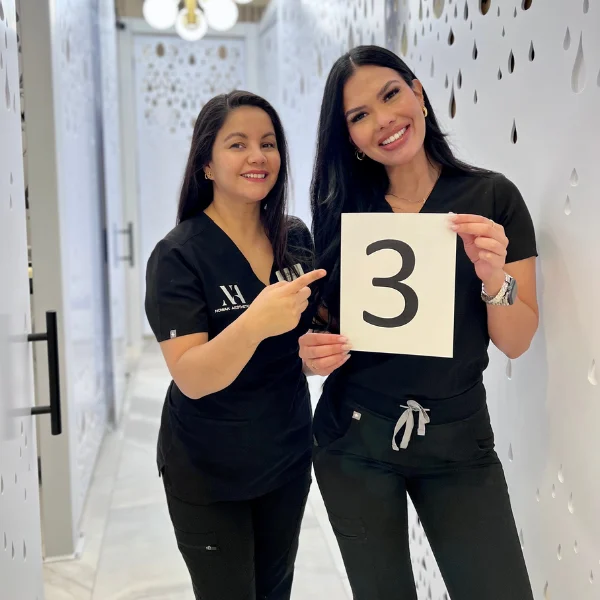
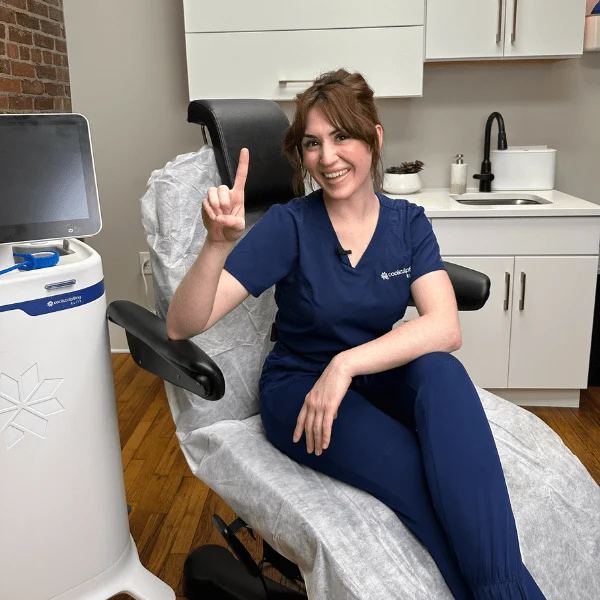
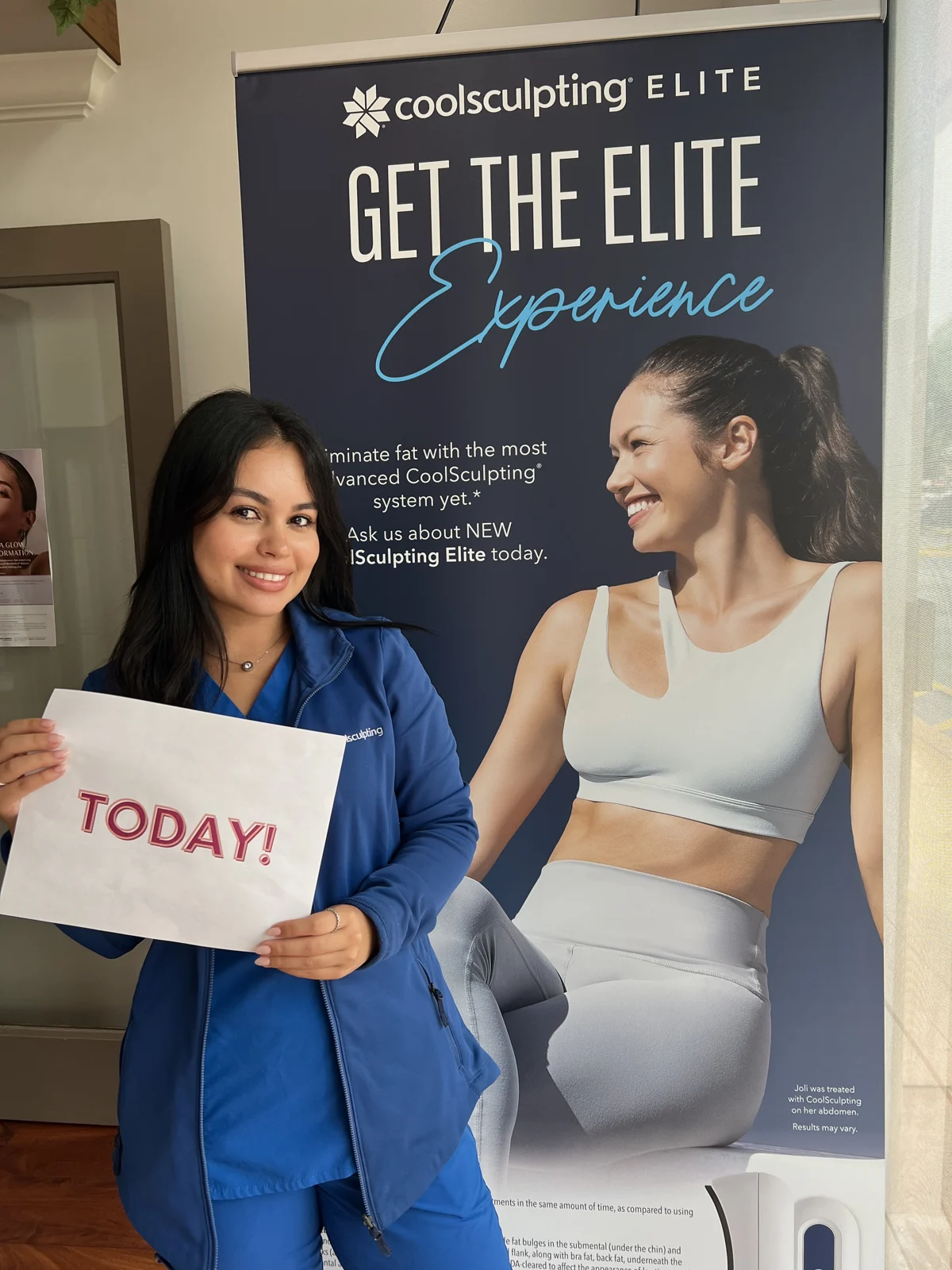
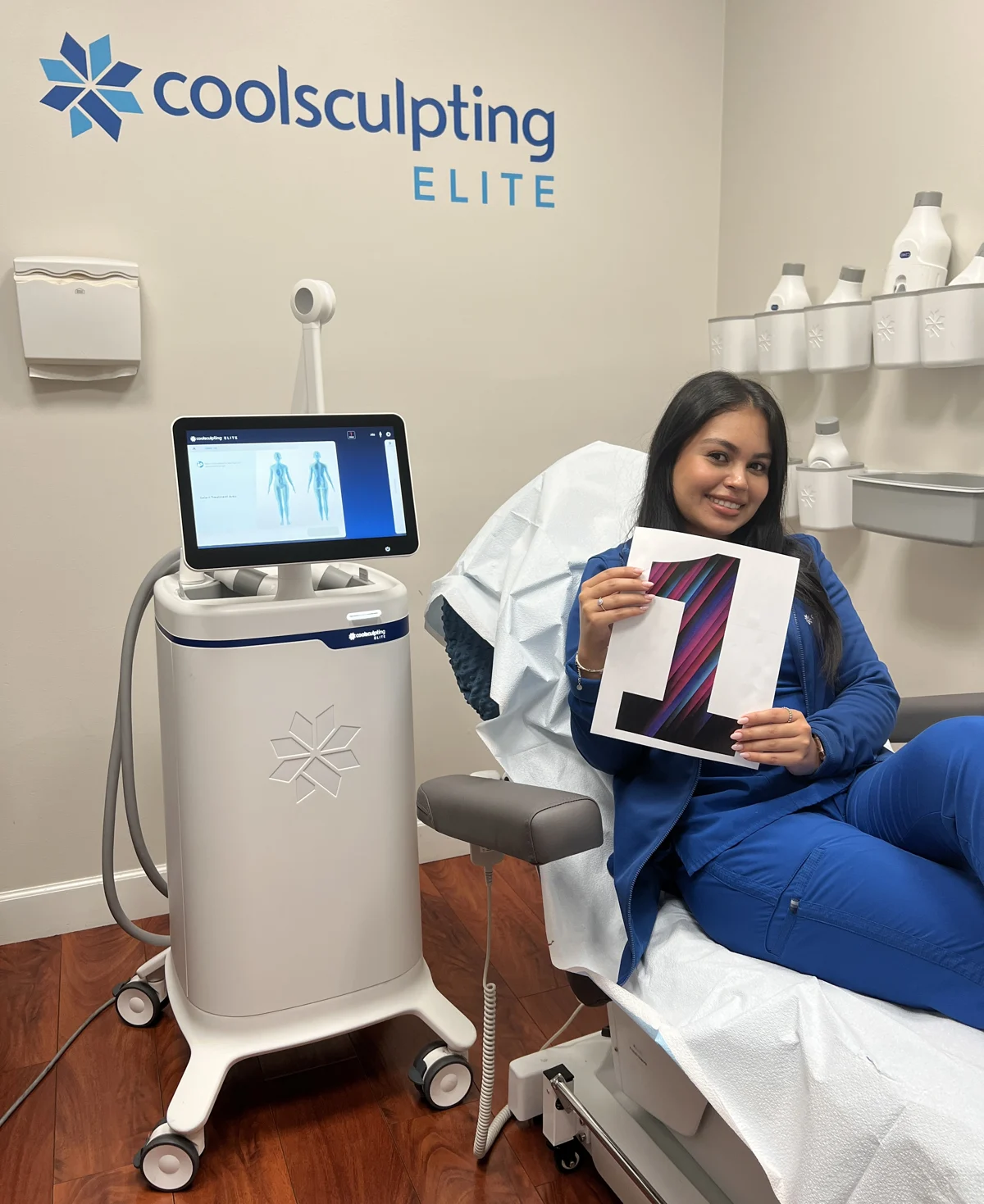
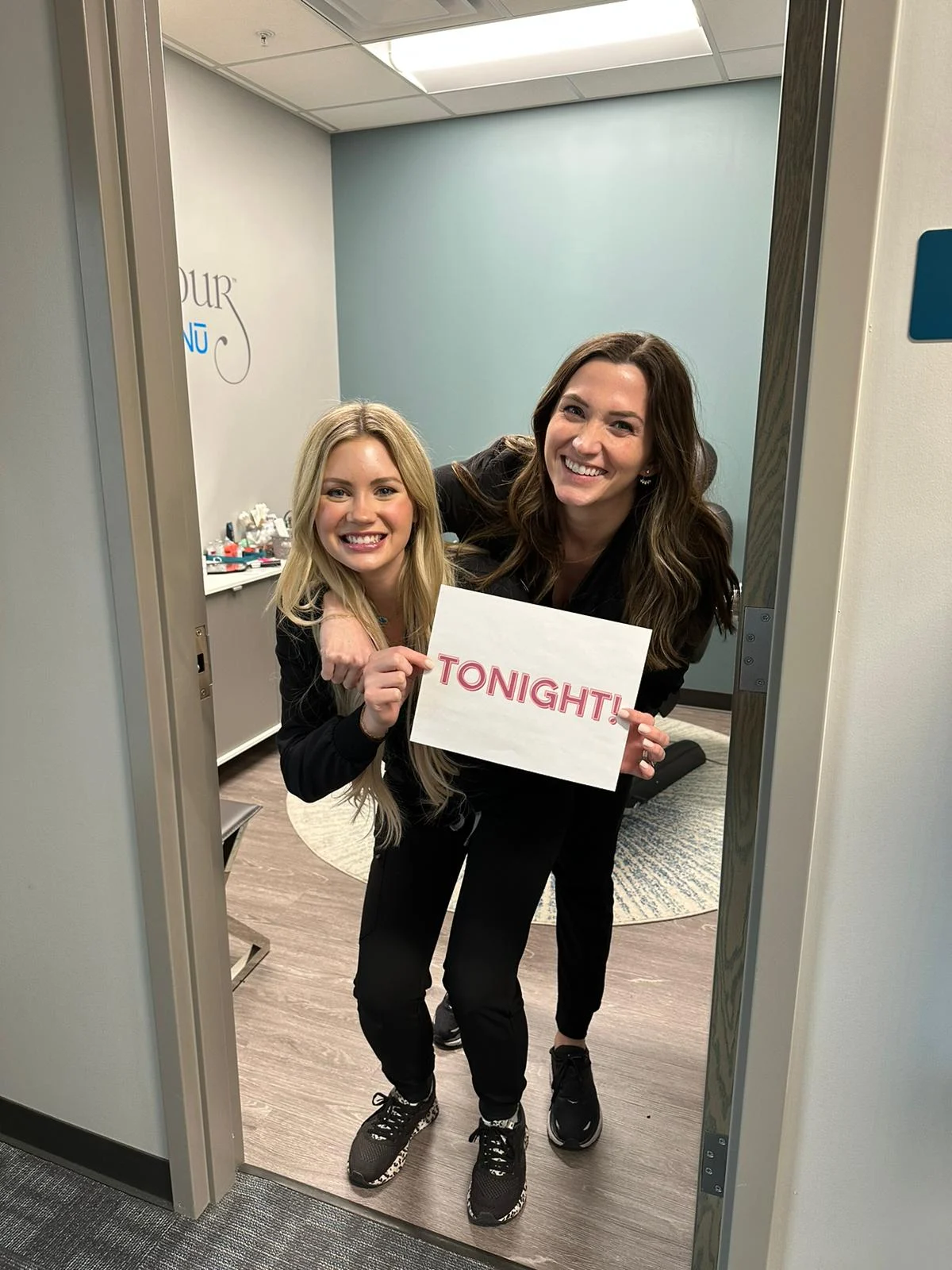
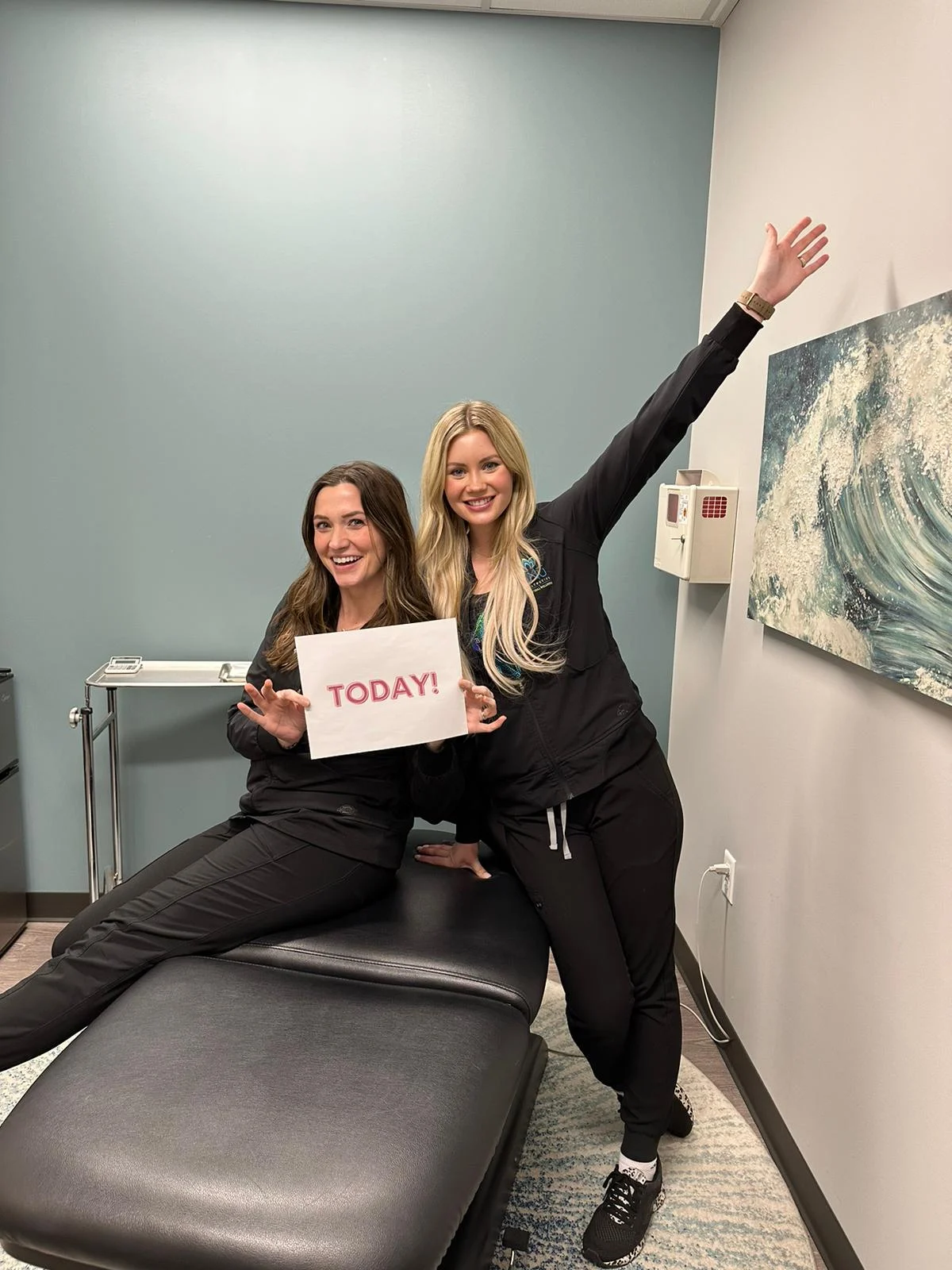
A final reminder should say why it’s worth showing up. Highlight 3 reasons to join live, then follow the reminder schedule in your event portal.
The gallery below includes countdown graphics and short clips from past campaigns. Use these for inspiration; follow the current asset requests in your event portal.
See all 21 past countdown examples
 View example
 View example
 View example
 View example
 View example
 View example
 View example
 View example
 View example
 View example
 View example
05 / FILMING THE EDUCATION
Your provider.
A camera.
A little guidance.
You do not need a film crew. You do need clear sound, good light and a provider who can explain the treatment like a human.
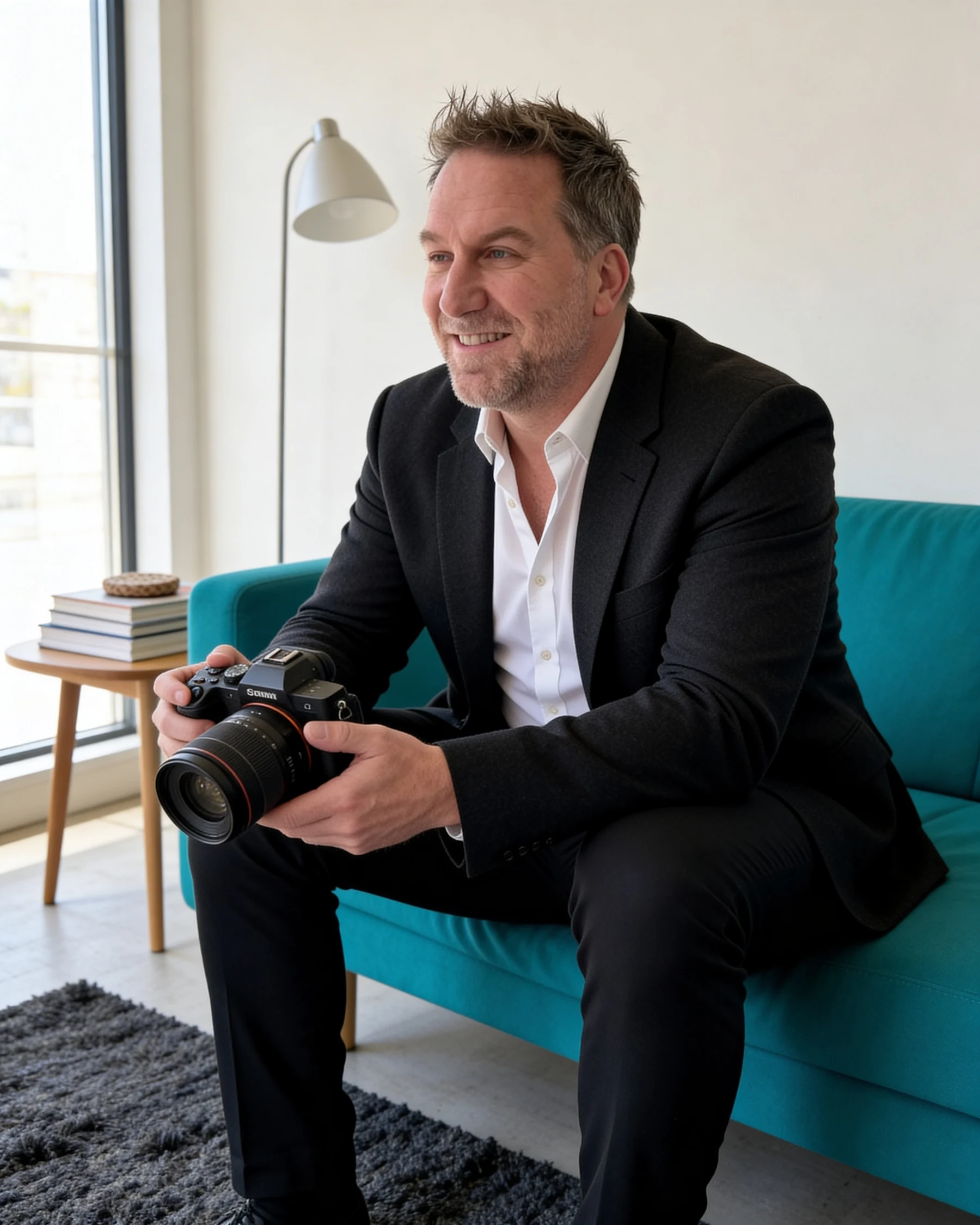
Director of Strategic Strategery
Your guide for filming prep and the editor who brings your event video together.
Turn the phone sideways.
Film the educational presentation in landscape. Social teaser footage is a separate asset and can be vertical.
Let us hear you.
Choose a quiet room. Turn off your treatment machine before filming. Its fans and operating noise can drown out your voice. Face a window or light source, keep the camera steady and silence notifications.
Teach the person watching.
Explain the treatment, who it may suit and the questions patients ask. Follow the detailed filming instructions we provide so your footage is ready for editing.
Leave the editing to us.
Send the original clips. No music, filters, titles or creative transitions required. We have that part covered.
Ask your AIG Success Manager for exact deadlines and filming instructions.
A FEW THINGS TO SKIP
The camera roll.
With a little curation.
- Skip the screenshots. Original image files give us more room to work than a saved Instagram post.
- Skip generic stock photos. Your team and your space help patients recognize the practice they already know.
- Skip the unrelated extras. Keep the photos and clips connected to the treatment and event.
- Skip the DIY video edit. Raw footage is exactly what we want. Really.
06 / GETTING IT TO US
Right files.
Right place.
Everybody happy.
Use the upload links in your event portal. Your AIG Success Manager is your first stop for questions about what to send and when.
Before you hit upload
- Use the original, high-resolution photos and video files.
- Include your approved logo in a clear, usable format.
- Group files by treatment or asset request and name them clearly.
- Check that campaign images and patient photos are approved for the intended use.
- Follow the deadlines and upload instructions in your event portal.
Not sure a file will work? Ask your AIG Success Manager before redoing it. We would rather answer a quick question than watch you refilm an afternoon.
Get in touch with AIG